29
Quadra-Fire • EXCURSION-I, EXCURSION-II, EXCURSION-III Installation Manual • 2538-980 Rev. E • 5/19
On units already installed, removal of decorative front
and gas insert may be required.
Option 1:
• Detach exible liner from top of unit if insert is installed by
removing the collar slide plate screw. See Figure 5.1.
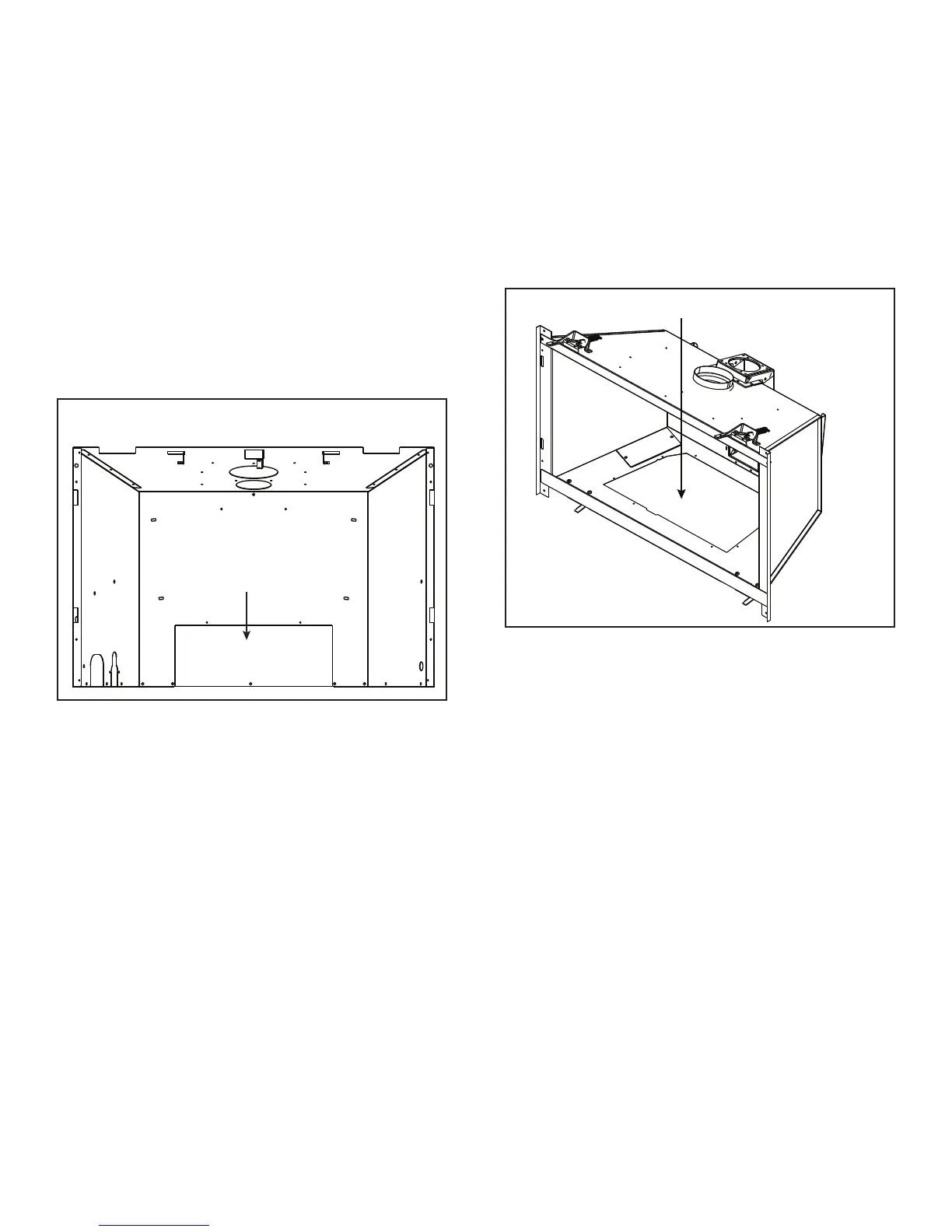
• Remove the ve screws on the rear cover plate. See
Figure 6.3.
• Service / replace fan. Figure 6.2 shows a wiring dia-
gram.
• Reinstall the rear cover plate back on the unit.
• Reattach exible liner and replace collar slide plate
screw. See Figure 5.1.
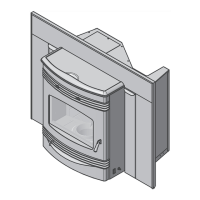
Figure 6.3 Cover Plate Removed (Option 1)
OPTION 1
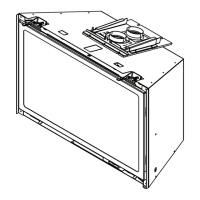
OPTION 2
Figure 6.4 Through Valve Plate Opening (Option 2)
INSTALL FAN
Option 2:
• Remove appliance front, glass, logs, base pan assem-
bly, burner assembly and valve plate assembly. See
Figure 6.4.
• Service / install fan. Figure 6.2 shows a wiring diagram.
• Reinstall valve plate assembly, burner assembly, base
pan assembly, logs and appliance glass and front.
C. Installation / Service for Fan
REAR COVER PLATE





 To Next Page