5
Quadra-Fire • EXCURSION-I, EXCURSION-II, EXCURSION-III Installation Manual • 2538-980 Rev. E • 5/19
2
Getting Started
Improper installation, adjustment, alteration, service or
maintenance can cause injury or property damage. For
assistance or additional information, consult a qualied
service technician, service agency or your dealer.
A. Design and Installation Considerations
Quadra-Fire gas inserts are designed for installations into
solid fuel masonry or UL127 listed factory built replaces.
No additional outside air source is required.
Installation MUST comply with local, regional, state and na-
tional codes and regulations. Consult insurance carrier, local
building inspector, re ofcials or authorities having jurisdic-
tion over restrictions, installation inspection and permits.
Prior to installing the gas insert:
• Ensure chimney is constructed of non-combustible
materials.
• Ensure chimney is clean and in good working order.
• Ensure that all chimney cleanouts t properly to prevent
air leakage into chimney.
• Ensure combustible mantel and surround clearances
comply with insert requirements.
• Ensure all joints are properly engaged and the chimney
is properly secured.
• Determine minimum replace size. See Section 3.A and
3.B.
• Determine gas supply piping requirements.
• Determine electrical wiring requirements.
• Determine nishing details.
• Determine whether optional accessories—devices such
as a wall switch or remote control—are desired.
Installation and service of this appliance should be performed by
qualied personnel. Hearth & Home Technologies recommends
HHT Factory Trained or NFI certied professionals.
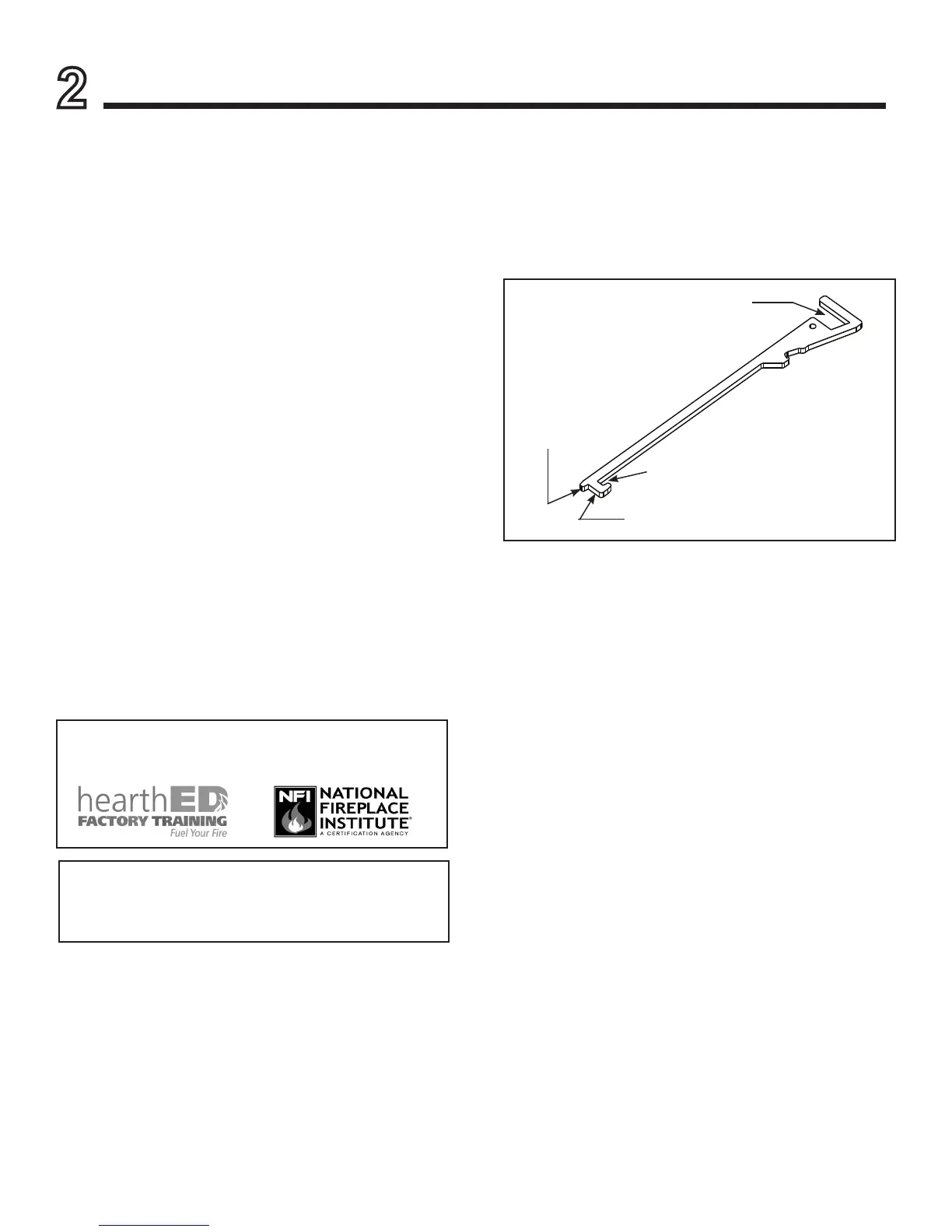
Figure 2.1 Multi-Purpose Tool
GAS SHUT-OFF
DISENGAGE
SLIDE PLATE
ENGAGE
SLIDE PLATE
GLASS CLIPS
Multi-Purpose Tool
• See Figure 2.1 for multi-purpose tool functions and
features.
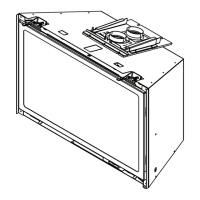
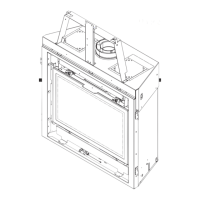
• See Figure 2.2 for multi-purpose tool shipping location.
• See Figure 2.3 for multi-purpose tool storage location
options.





 To Next Page