EasyManua.ls Logo

Quidel Sofia - System User Interface

Quidel Sofia
58 pages
Print Icon
To Next Page IconTo Next Page
To Previous Page IconTo Previous Page
Loading...
Page 15 of 57
System Display and Keypad
System Display
The Sofia contains a 3.5 inch diagonal color LCD display for interacting with the user interface.
System Keypad
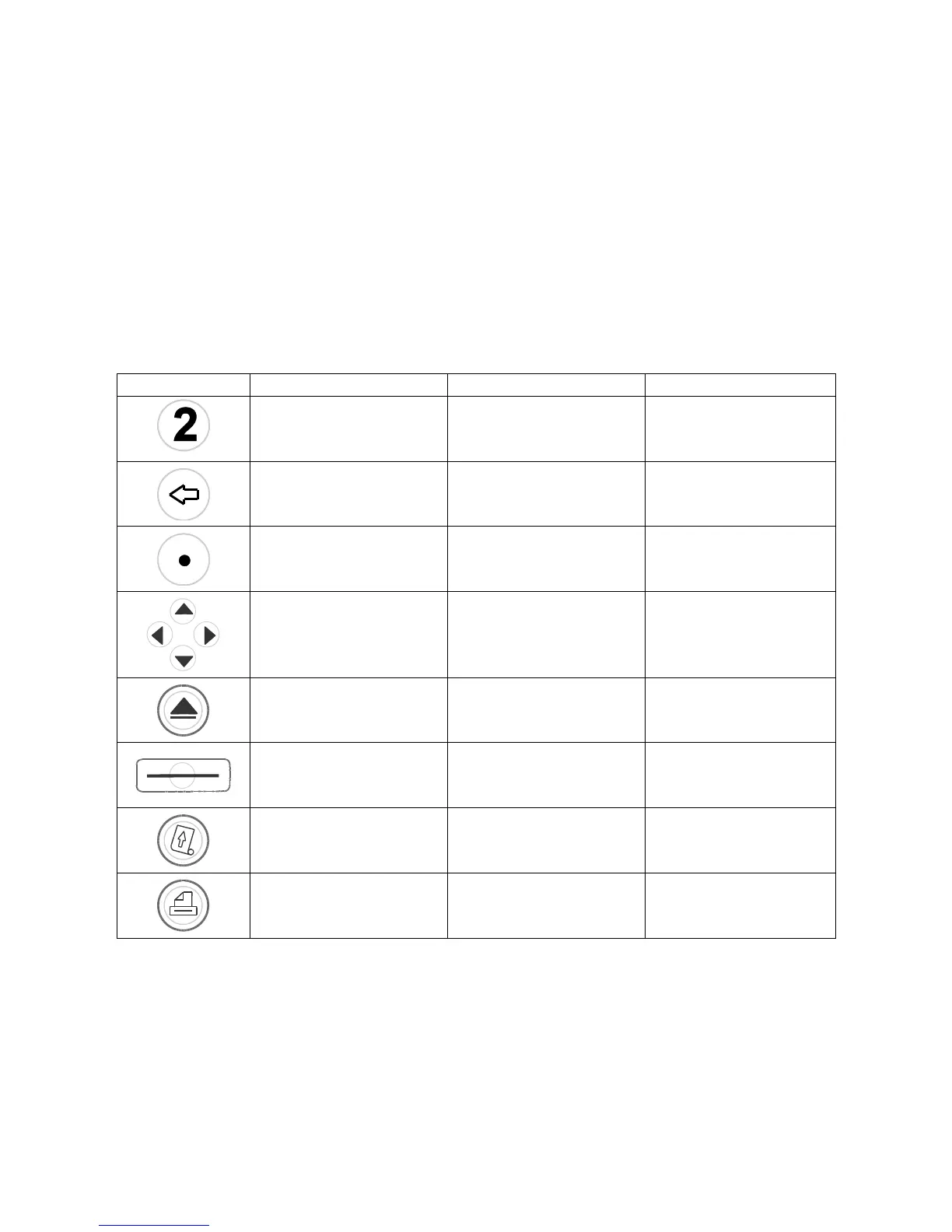
The User Interface includes a numeric keypad and other function specific buttons (Table 1 and
Figure 1).
Table 1
Keypad Description
Button Name
Function
Example of Use
Numeric Keypad
Enter numeric data
Entering a date and
time or IDs
Backspace
Backspace to delete data
Delete the character to
the left of the cursor
Decimal Point
Decimal Point
IP Addresses
Up/Down/Left/Right
Navigate the User
Interface
Selecting a field
Eject
Eject a Cassette
Interrupting testing
Soft Keys
Select menu options
shown on the screen
above each key
Select OK on the “Enter
or Scan” screen
Paper Feed
Paper Feed
Loading paper into Sofia
Print
Manual print
Printing previous results

Table of Contents

Other manuals for Quidel Sofia

Related product manuals