Page 37 of 57
Depending on the assay, Sofia may automatically run the test in Forced WALK AWAY
mode. In this case, no changes need to be made to the work mode.
Change Development Mode
Select the desired development mode by using the Up/Down arrows. Then select OK to confirm.
Sofia will then return to the Start Test screen displaying the newly selected development mode.
Enter the User ID
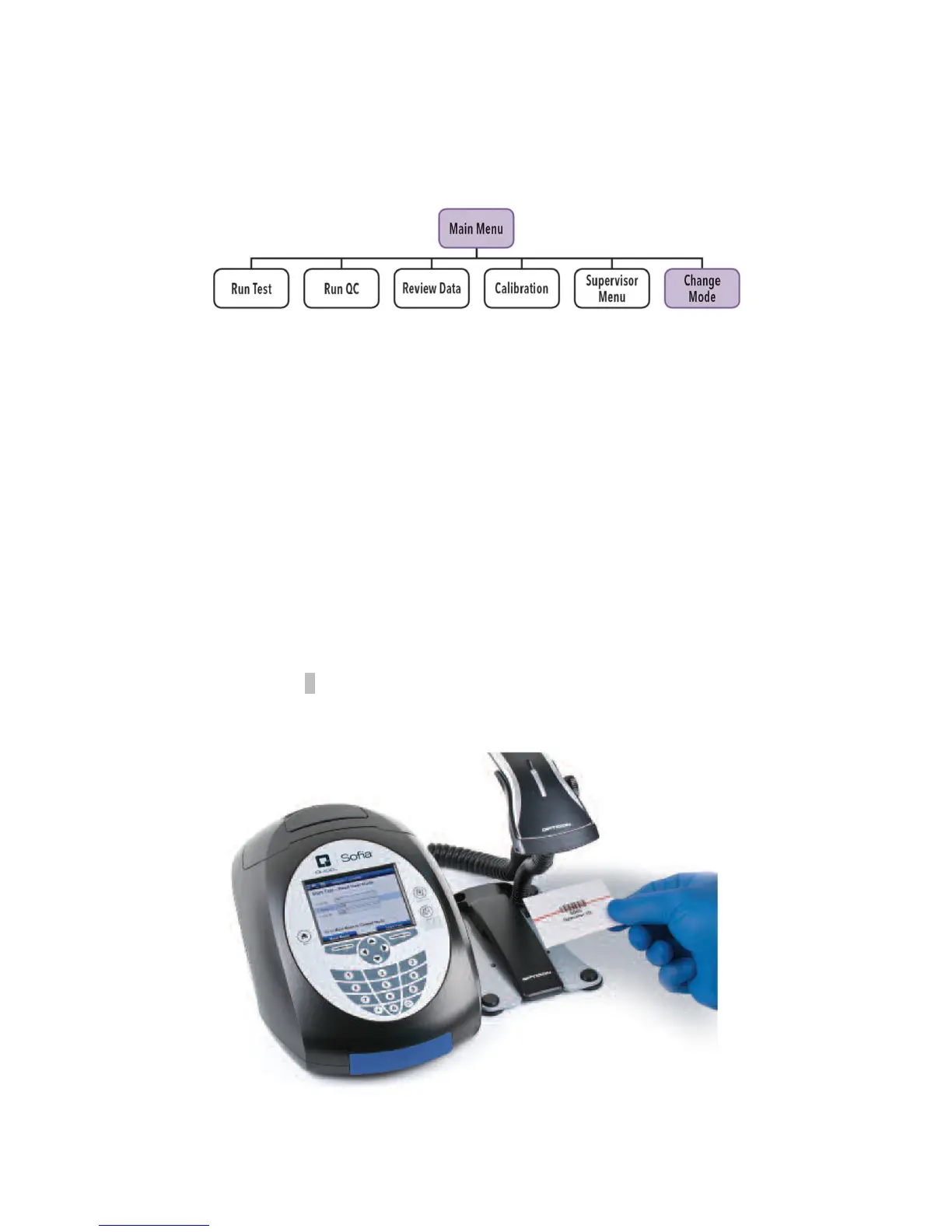
User ID can be entered using the barcode or manually using the key pad.
Use the arrows to highlight the User ID field on the Start Test screen. Use the barcode scanner
(Figure 14) to scan the barcode from a User’s ID Card or manually enter the data using the
numeric key pad on Sofia.
Enter the Patient ID
Patient ID can be entered using the barcode or manually using the key pad.
Use the arrows to highlight the Patient ID field on the Start Test screen. Use the barcode scanner
to scan a Patient ID barcode from a patient chart or other source or manually enter the data by
selecting the alpha entry α option and using the numeric key pad on Sofia.
Figure 14



 To Next Page