Page 24 of 57
Set Calibration and QC
Calibration Reminder
Using the keypad, enter the number of days for the reminder interval from 2-30 days.
Once employed, Sofia will provide an on-screen reminder to run calibration.
IMPORTANT: Once the reminder has popped up, no tests can be run until calibration has been
successfully completed.
QC Barcode Requirement
The QC Barcode Requirement option requires the capture of the lot number and expiration date
of assay kit.
Using the Up/Down arrows, select Require QC Barcode. Using the Left/Right arrows, select ON or
OFF. If set to ON, User must scan the QC barcode every time a QC test is run. Press OK to confirm
when changes are complete and return to the Settings screen.
Set User Access Rights
The User Access Rights option allows Supervisor to determine if Operators have access to Patient
Data.
Access Patient Data
When enabled, this allows a non-Supervisor User to view and print past patient test results as long
as they have entered a valid User ID. When disabled, it prevents a non-Supervisor user from
accessing patient related data.
Using the Left/Right arrows, select ON or OFF and press OK to confirm and exit.
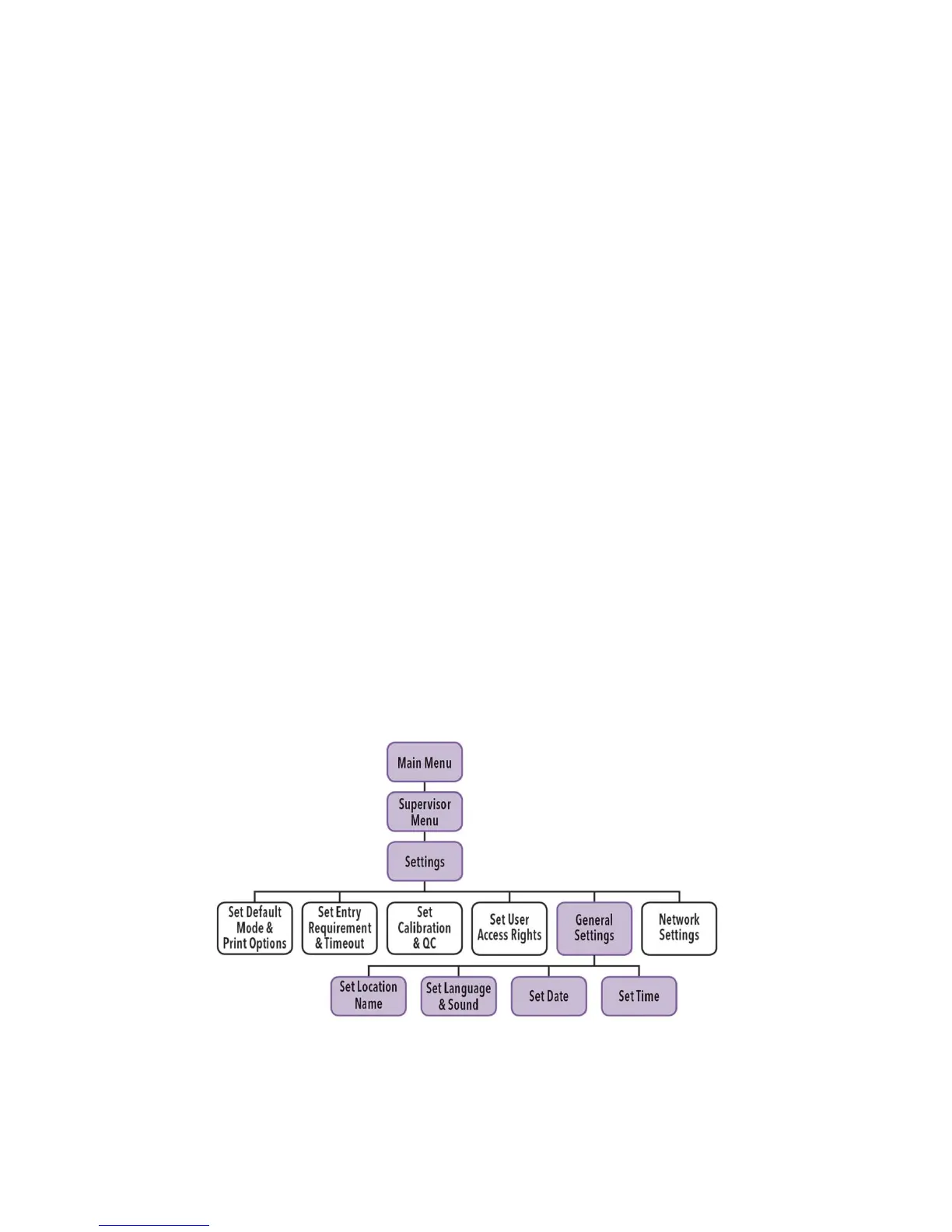
General Sofia Settings
Set Location Name
The Location Name setting sets the name of the clinic, hospital, lab or physician’s office that will
appear on all of the printouts.



 To Next Page