Page 28 of 57
Press the Save & Next button when both fields are complete.
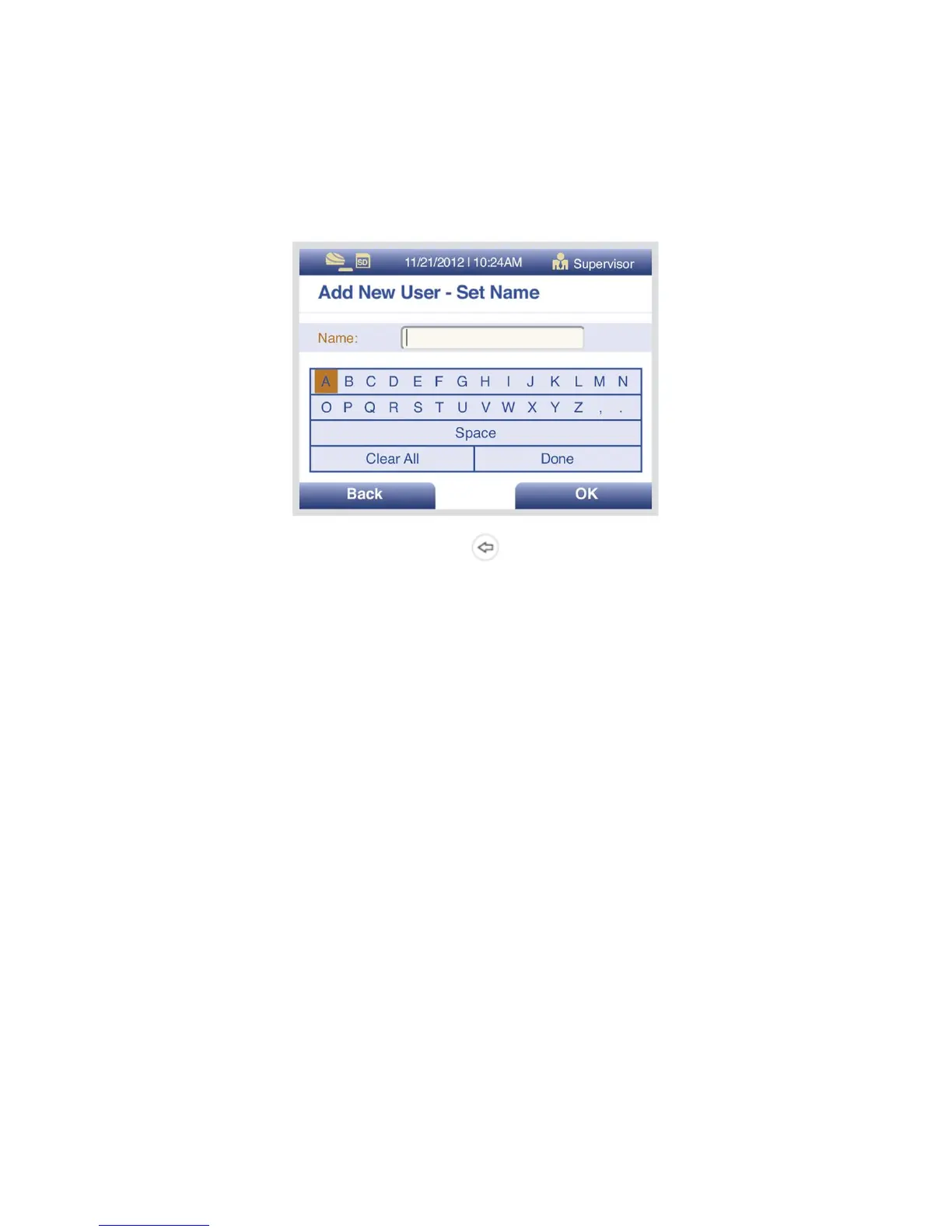
Using the Left/Right/Up/Down arrows, select a letter at a time and press OK to construct the
name (Figure 12).
Figure 12
To delete a letter, press the BACKSPACE button on the keypad.
To delete entire entry, select Clear All and press OK.
When the name is complete, select Done and press OK.
Pressing BACK at any time cancels all previous changes and returns the Name to the previous
setting.
Edit User
Select the Options key in the Manage Users screen to view the pop-up menu. Select Edit User to
edit the name of a user.
Use the numeric keys or barcode scanner to enter the ID number.
Edit the User Name using the Up/Down/Left/Right arrows. To save edits select Done and press
OK.
Press BACK to return to the User Management Settings.
Press CANCEL to return to the Supervisor Menu.
Delete User
Highlight the User ID to be removed. Select the Options key in the Manage Users screen to view
the pop-up menu, then select Delete User to delete a User from the device.
Press BACK to return to the User Management Settings.



 To Next Page