Page 39 of 57
Refer to the assay-specific Package Insert for details on how to interpret results for specific
tests.
If the procedural control is “Invalid,” repeat the test with a new patient sample and a new
Cassette. To run another patient specimen, select Start New Test.
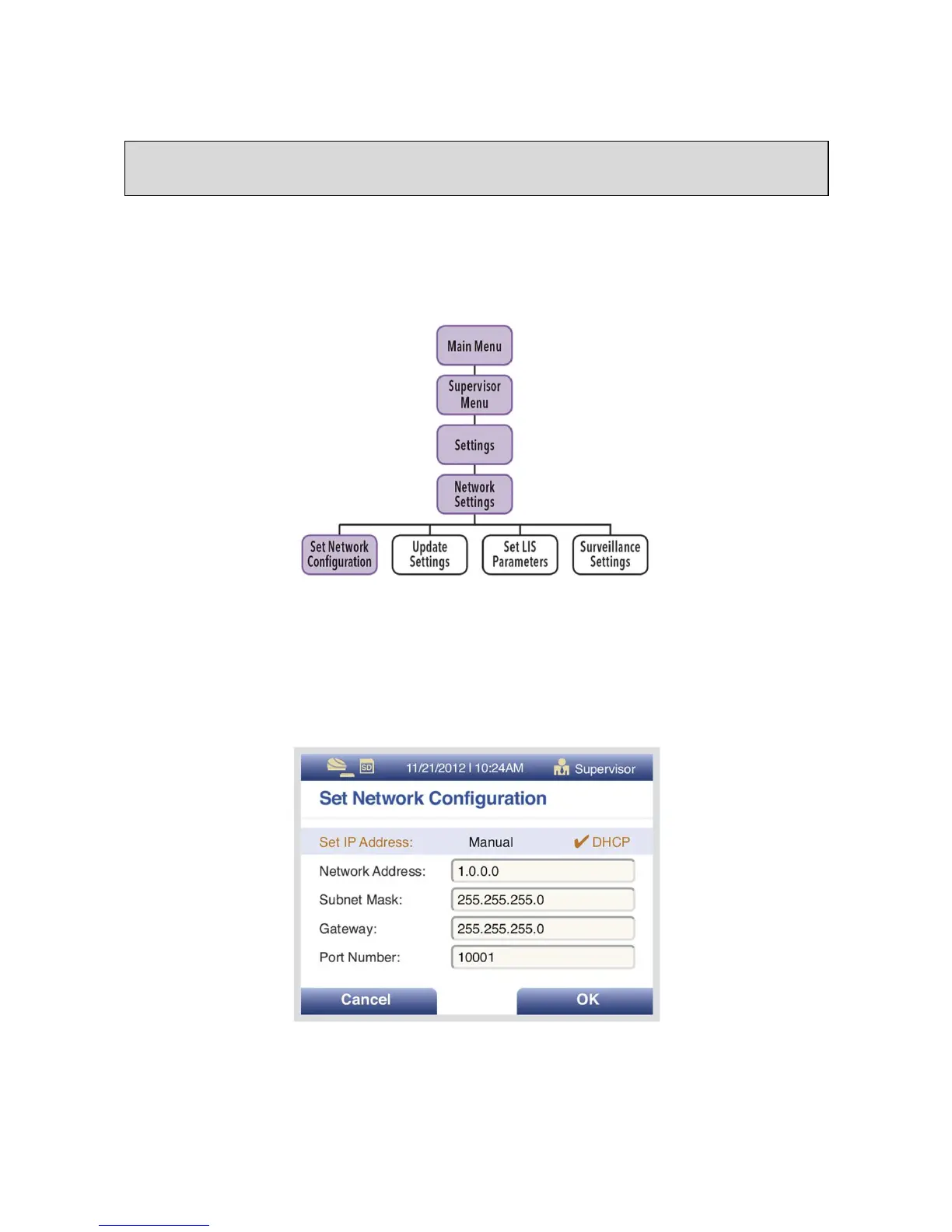
Network Configuration
For the Network Configuration, use the Up/Down arrows to select the field to modify.
For the IP (internet protocol) Address, use Left/Right arrows to select “Manual” or “DHCP.” Use
the numeric keypad to enter address and numbers for the Network Address, Subnet Mask,
Gateway and Port Number (Figure 16). Select OK to save changes and exit.
Figure 16
Note: Once results have been generated for an individual Test Cassette, Sofia will no longer
accept that Cassette a second time.



 To Next Page