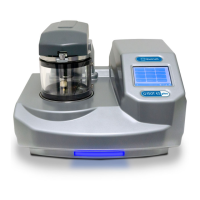
Q150T Sample Preparation System
Q150T - Instruction Manual 21 10473 - Issue 5
4 Working with Profiles
The operation of the Q150T is controlled by a profile. This describes the sequence of
operations in sputter coating or evaporation cycles. You can also create profiles to carry
out simple operations such as pumping or venting the sample chamber. Many of the
basic operations such as pumping, outgassing or venting the chamber occur
automatically as does the sequence in which they occur.
The Q150T is supplied with several default profiles to perform the basic and most
common operations (see Table 1). To make your own profiles, customised for your
specific applications, you can:
Edit an existing default profile
Create a new profile
4.1 Editing the Active Profile
To edit the profile currently selected on the standby screen, tap on the Edit Profile
button. The editable parameters of the selected profile are displayed (see Figure 4-4).
Now refer to the Editing Profile Parameters section on page 24.
4.2 Profile Editor
To create, edit or delete any profile:
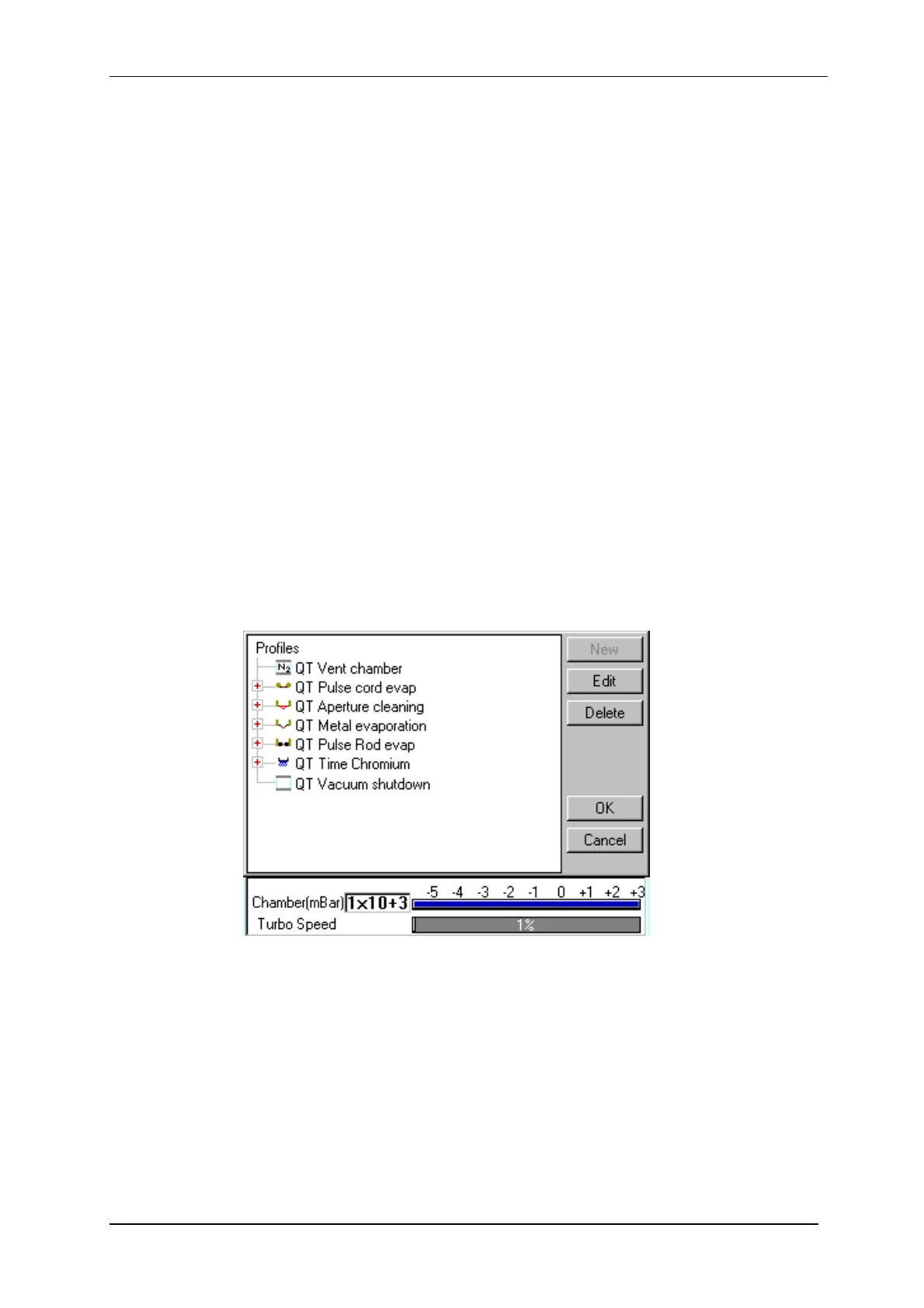
1. Select Edit | Profiles from the menu bar. Profile Editor is displayed (see Figure
4-1).
Figure 4-1. Profile Editor


 To Next Page
 Loading...