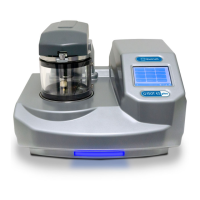
Q150T Sample Preparation System
Q150T - Instruction Manual 43 10473 - Issue 5
6.2 Instrument Settings
The specific operation of the Q150T is determined by the settings of the active profile.
Default sputter settings and general hardware settings are configured through System
Editor.
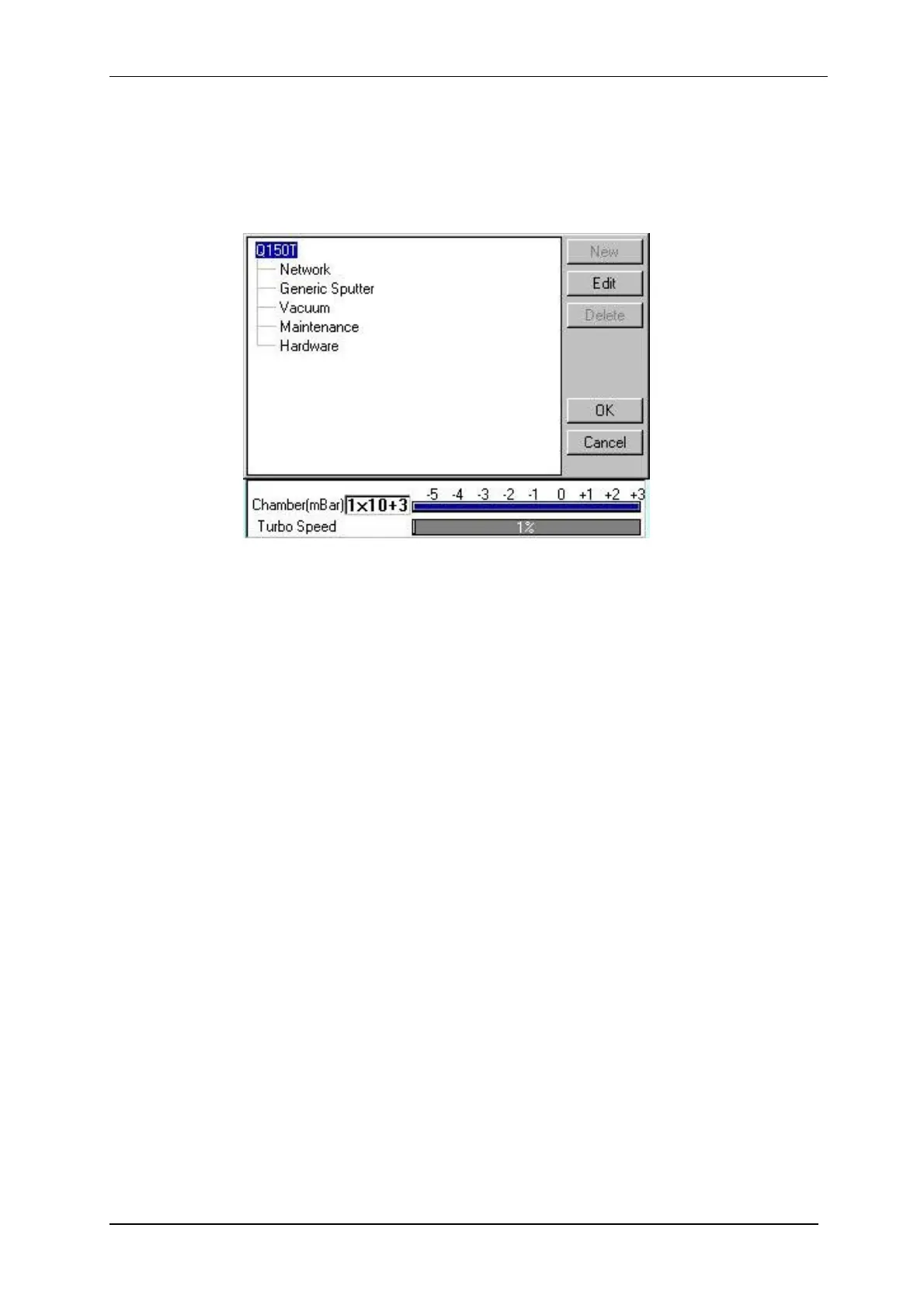
To view the System Editor, select Edit | System from the menu bar (see Figure 6-1).
Figure 6-1. System Editor
System Editor arranges settings in five categories:
Network
Generic Sputter
Vacuum
Maintenance
Hardware


 To Next Page
 Loading...