Q150T Sample Preparation System
10473 - Issue 5 44 Q150T - Instruction Manual
6.2.1 Network
The Network category determines the IP address used by the instrument for Network
connections. To edit network properties, tap on Network and then tap on the Edit button.
The Network Properties are displayed (see Figure 6-2).
Figure 6-2. Network properties
To set the instrument to use an IP address automatically generated by your DHCP
server, ensure that the Automatic IP (DHCP) parameter is set to Yes. If your network
does not have a configured DHCP server, you will need to set the IP address manually.
To set the IP address manually, set Automatic IP (DHCP) to No, then enter the primary
IP address and subnet mask address manually.
6.2.1.1 Connecting to a Network
To connect to a network:
Ensure that you have connected the instrument correctly to your network (see Figure
6-3).
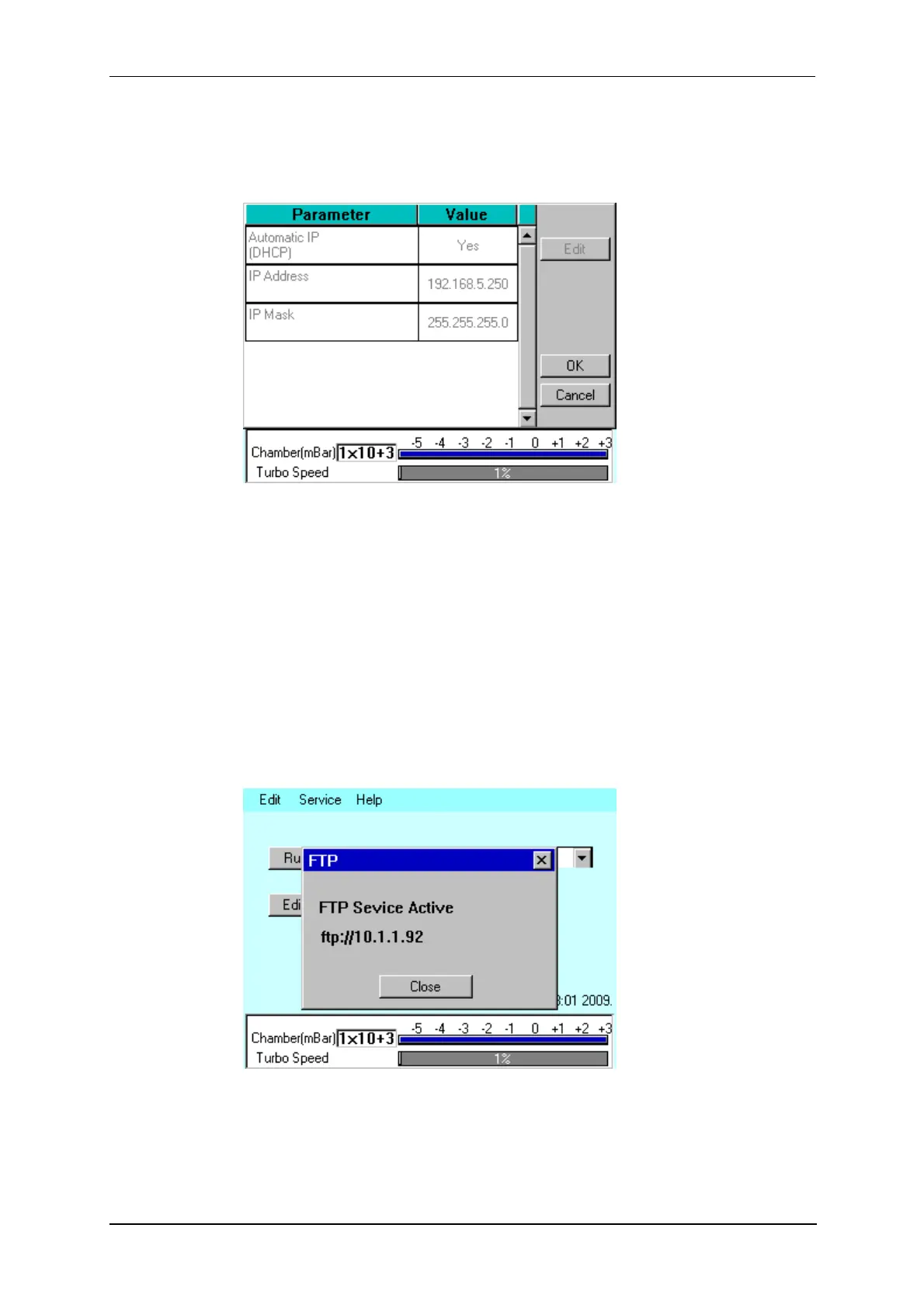
Choose Service | Connect Network on the menu bar. A dialog box confirms that the
connection is active and shows its IP address.
Figure 6-3. Active ftp address


 To Next Page
 Loading...