Step 3.1: Set system date and time
In order to ensure accurate time stamping of the data, the WaveGuide system runs an NTP
time service to automatically correct its system time to UTC time. For the NTP service
to work, the system needs to be connected to the Internet, as it needs to be able to reach
its default NTP servers.
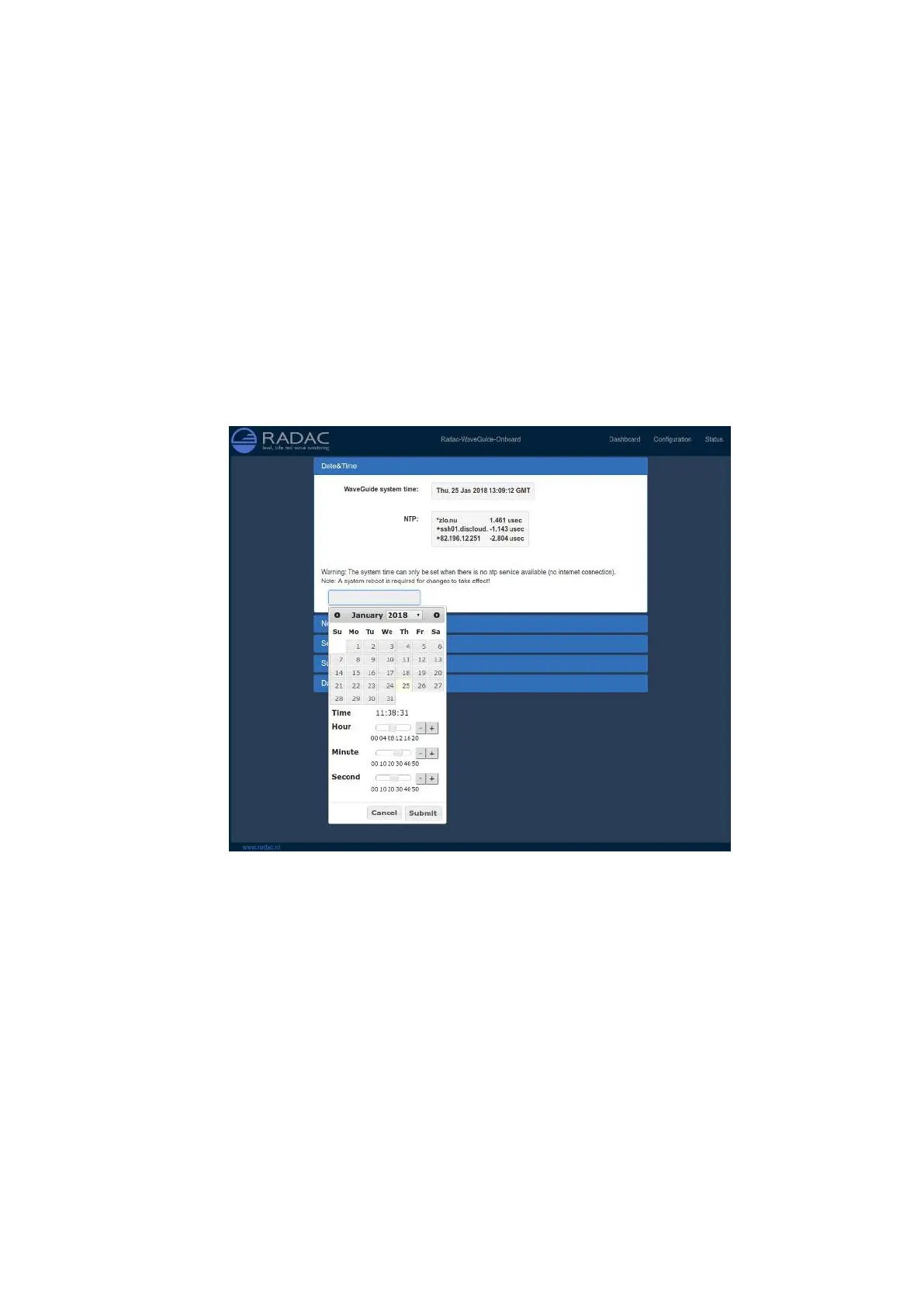
In the case that the NTP servers can not be reached, it is possible to manually set the
system date and time using the "Date & Time" menu (Fig. 3.2). Adjusting the date and
time while the NTP option is selected is not possible as the time will be automatically
corrected back to UTC time. If NTP is not used, the date and time are kept by a built-in
clock. Please be aware that such a clock is not highly accurate and can drift over the years
while the system is used, it is thus advised to use the NTP service.
Figure 3.2: Setting the system time and date.
If the WaveGuide is not connected to the Internet but instead connected to a local network
that includes a time server, then the WaveGuide system can be adjusted to synchronize time
and date with the local time server. For more information regarding such an adjustment
please contact Radac.
17



 To Next Page