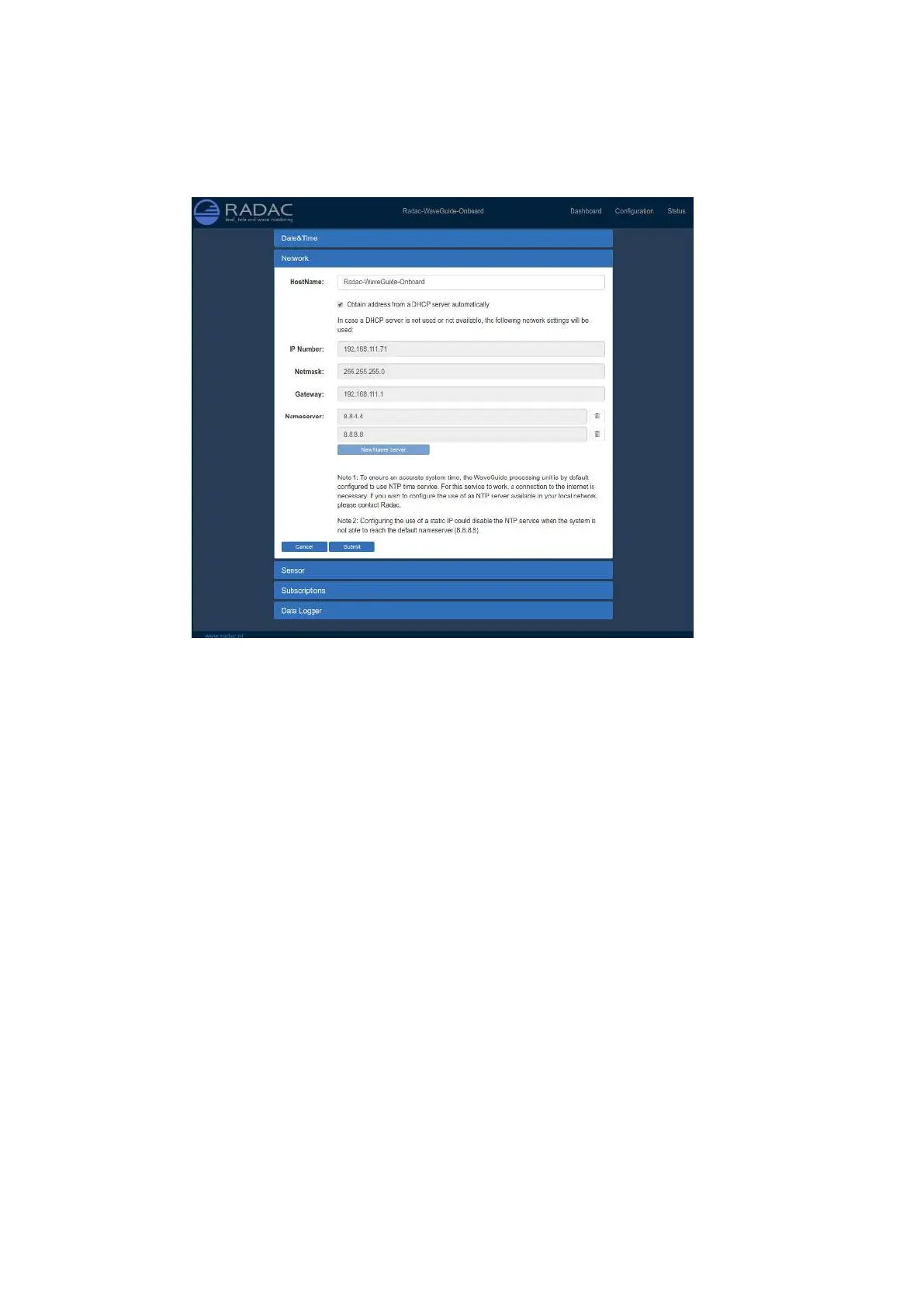
Step 3.2: Adjust network settings
Figure 3.3: Adjusting the network settings.
The default IP address can be modified via the web interface (Fig. 3.3). It is advised to
use the default settings, to automatically obtain the network settings from a DHCP server,
and to ensure that the system will receive the same IP address from the DHCP server at
all times. This setting provides the easiest setup and ensures the correct settings for the
local network.
Note: use of a static IP could affect access to the NTP server if the system is not able to
reach the default Nameserver (8.8.8.8).
18


 To Next Page