Stand-alone use of the device 21
© 2023 Radiacode Ltd.
·
To return to the previous level or exit the menu,
briefly press the up/down swing buttons to move
the focus to [< Back] or [<< Menu quit];
·
Briefly press the round button to confirm your
selection;
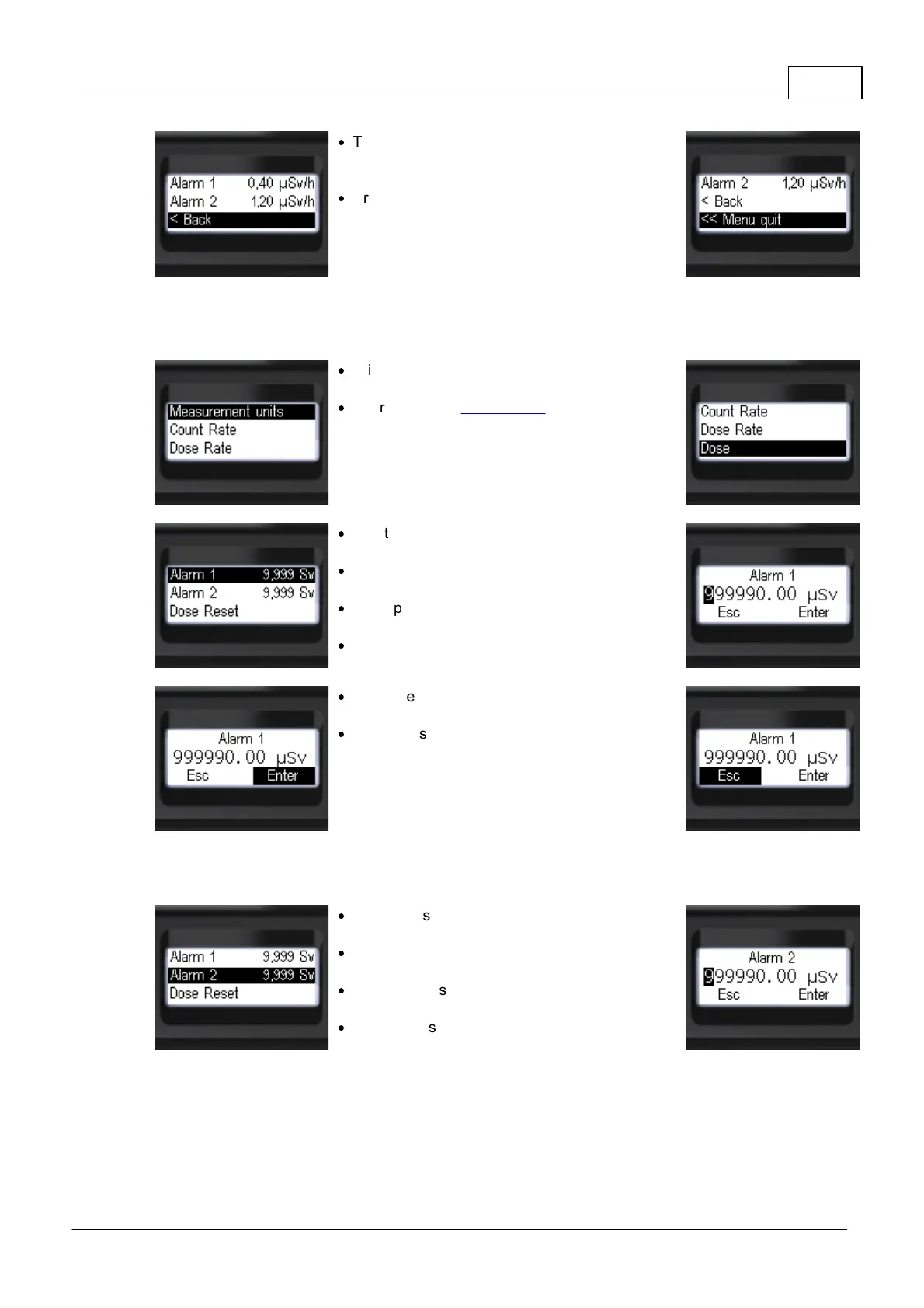
3.10.4 Dose - alarm levels
·
Briefly press the up/down rocker buttons to move
the focus to [Dose];
·
Short press the round button to move
to [Dose].
·
Short press the round button to move to
[Alarm 1];
·
Short press the round button to select the
desired digit of the threshold value;
·
Short presses on the up/down swing buttons to
change the value of the selected digit;
·
Set all digits.
·
Short presses on the round button to select
[Enter] or [Esc];
·
Long press the round button to confirm your
selection.
This and deeper menu levels can be exited via [< Back] and [<< Menu quit].
or go to [Alarm 2].
·
Short press the round button to move to
[Alarm 2];
·
Short press the round button to select the
desired digit of the threshold value;
·
Short presses on the up/down swing buttons to
change the value of the selected digit;
·
Set all digits.



 To Next Page