32
© 2023 Radiacode Ltd.
Stand-alone use of the device
o time since the beginning of dose accumulation: days, hours, minutes;
o detector temperature;
o sign of exceeding the thresholds for dose rate, dose rate, count rate;
o audio indication status;
o presence of Bluetooth or USB connection;
o swing button lock sign;
o battery status.
At the bottom of the screen from left to right:
o graphical representation of the cumulative dose estimate.
o cumulative dose assessment value;
o dose measurement units - Sv, R;
Using the menu you can choose between the measurement units:
o Sv or P - when displaying dose rate.
Using the buttons
Quick operation in this mode is available via the buttons:
o long pressing the lower button resets the value of the accumulated dose;
o long pressing on the upper button of the swing turns on and off the sound indication.
Setting alarm thresholds
Two alarm thresholds for the accumulated dose level can be set using the menu.
When the alarm threshold level is exceeded, a pulsating sign will be displayed in the status bar:
o "Alarm 1" – ;
o "Alarm 2" – ;
o "Alarm 3 (off the scale)" – .
3.11.4 Search
The mode is designed to represent the count rate in the form of a search graph. It is applicable for
operative search of the source or zone with increased radiation level.
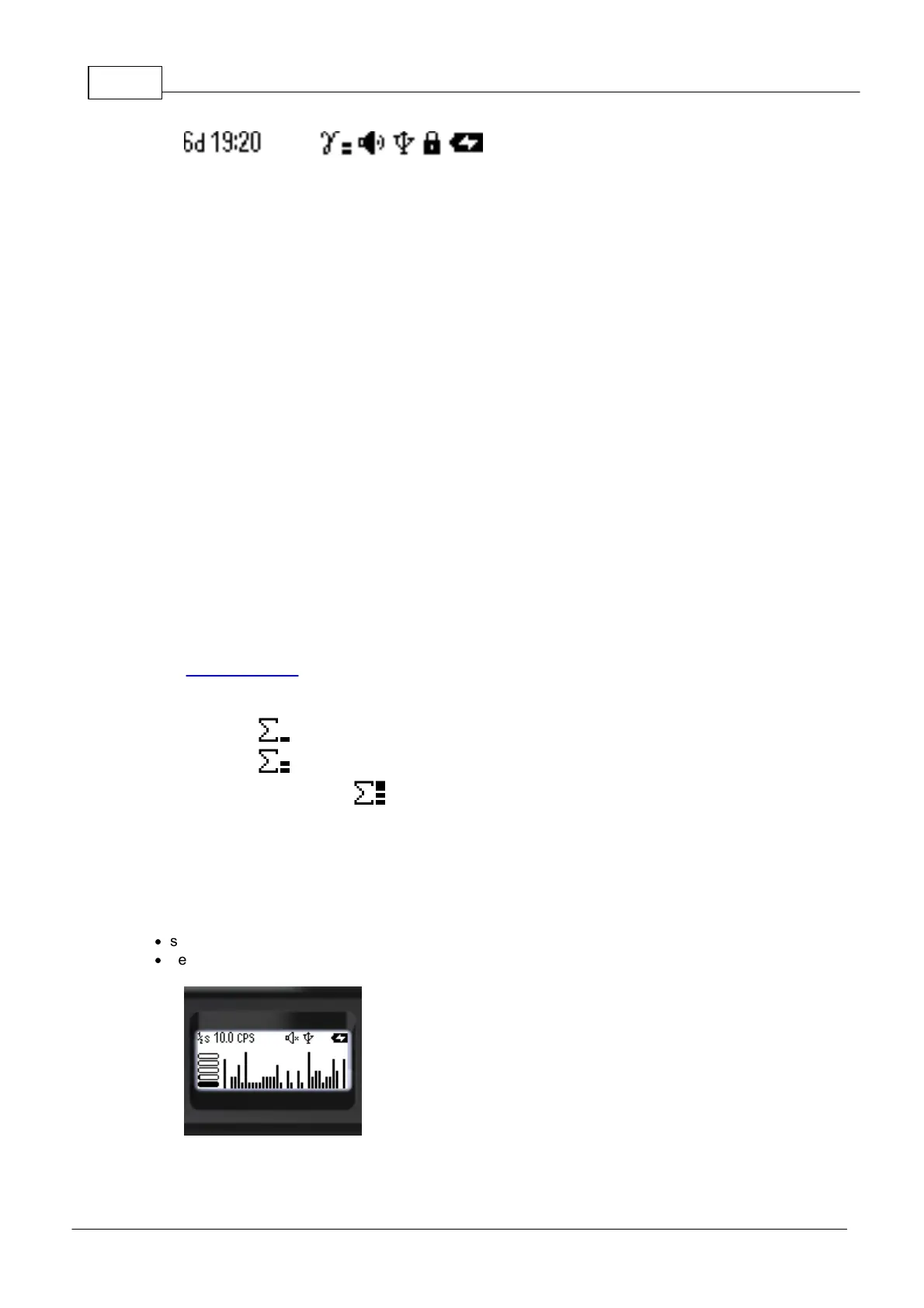
In the Search display mode the screen shows:
·
status bar - on top;
·
search graph of count rate - at the bottom.
The upper part of the screen, from left to right, contains basic information about the status of the
instrument:



 To Next Page