Stand-alone use of the device 23
© 2023 Radiacode Ltd.
·
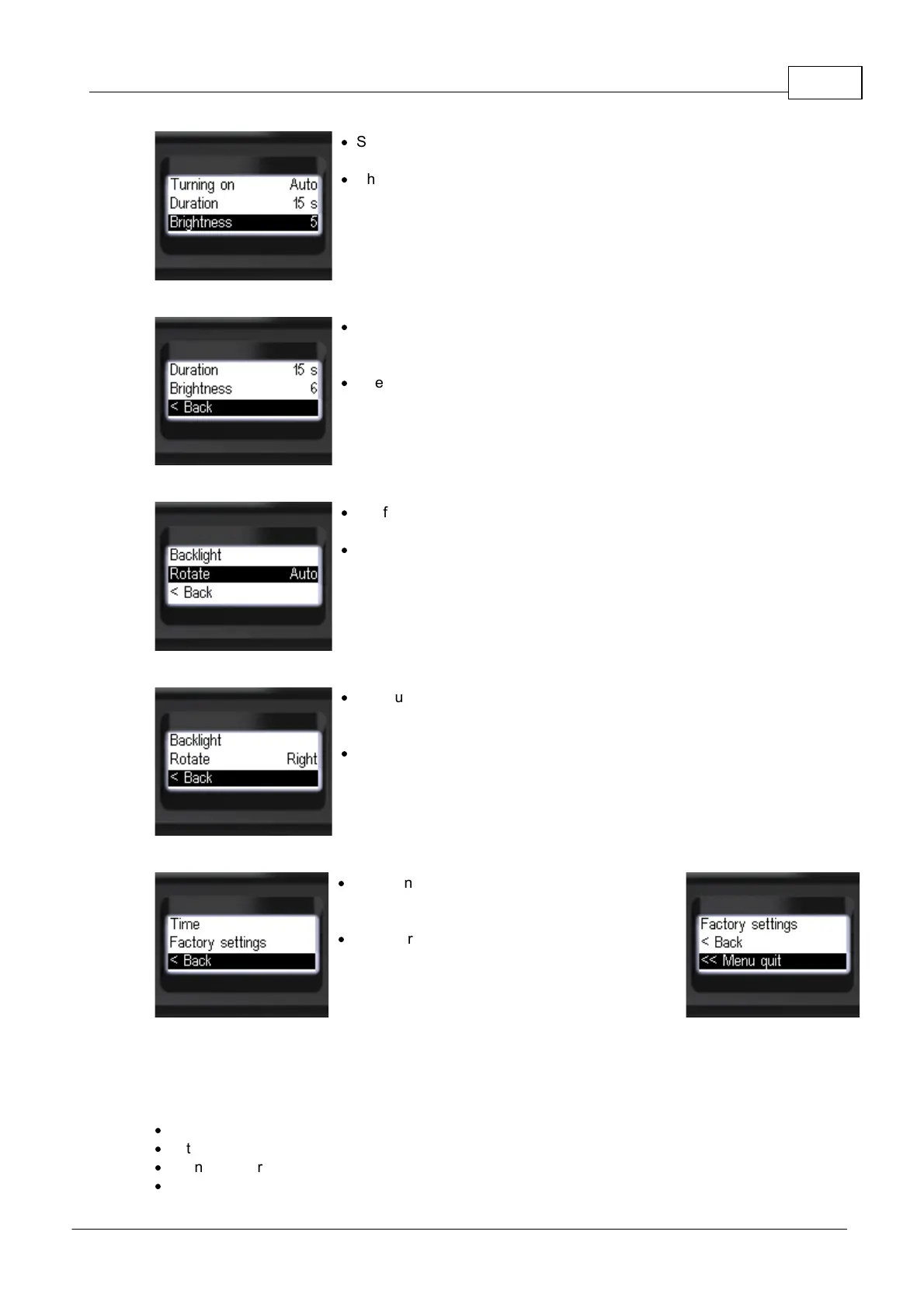
Short press the up/down swing buttons to move
the focus to [Brightness];
·
Short press the round button to select the
backlight brightness level from 0 to 9;
·
To return to the previous level, briefly press the
up/down swing buttons to move the focus to
[< Back];
·
Briefly press the round button to confirm your
selection;
·
Briefly press the up/down swing buttons to move
the focus to [Rotate];
·
Short press the round button to select the screen
orientation:
[Auto], [Right] or [Left];
·
To return to the previous level, briefly press the
up/down swing buttons to move the focus to
[< Back];
·
Briefly press the round button to confirm your
selection;
·
To return to the previous level or exit the menu,
briefly press the up/down swing buttons to move
the focus to [< Back] or [<< Menu quit];
·
Briefly press the round button to confirm your
selection.
3.10.6 Signals - sound, vibration, light
Personal radiation detector Radiacode-10X series is equipped with a combined interface for user
interaction:
·
display;
·
buttons;
·
sound emitter;
·
LEDs;



 To Next Page