24
© 2023 Radiacode Ltd.
Stand-alone use of the device
·
vibration signaling device.
Sound, light, vibration complement the information presented on the display and provide feedback when
pressing the buttons.
Establishing a connection
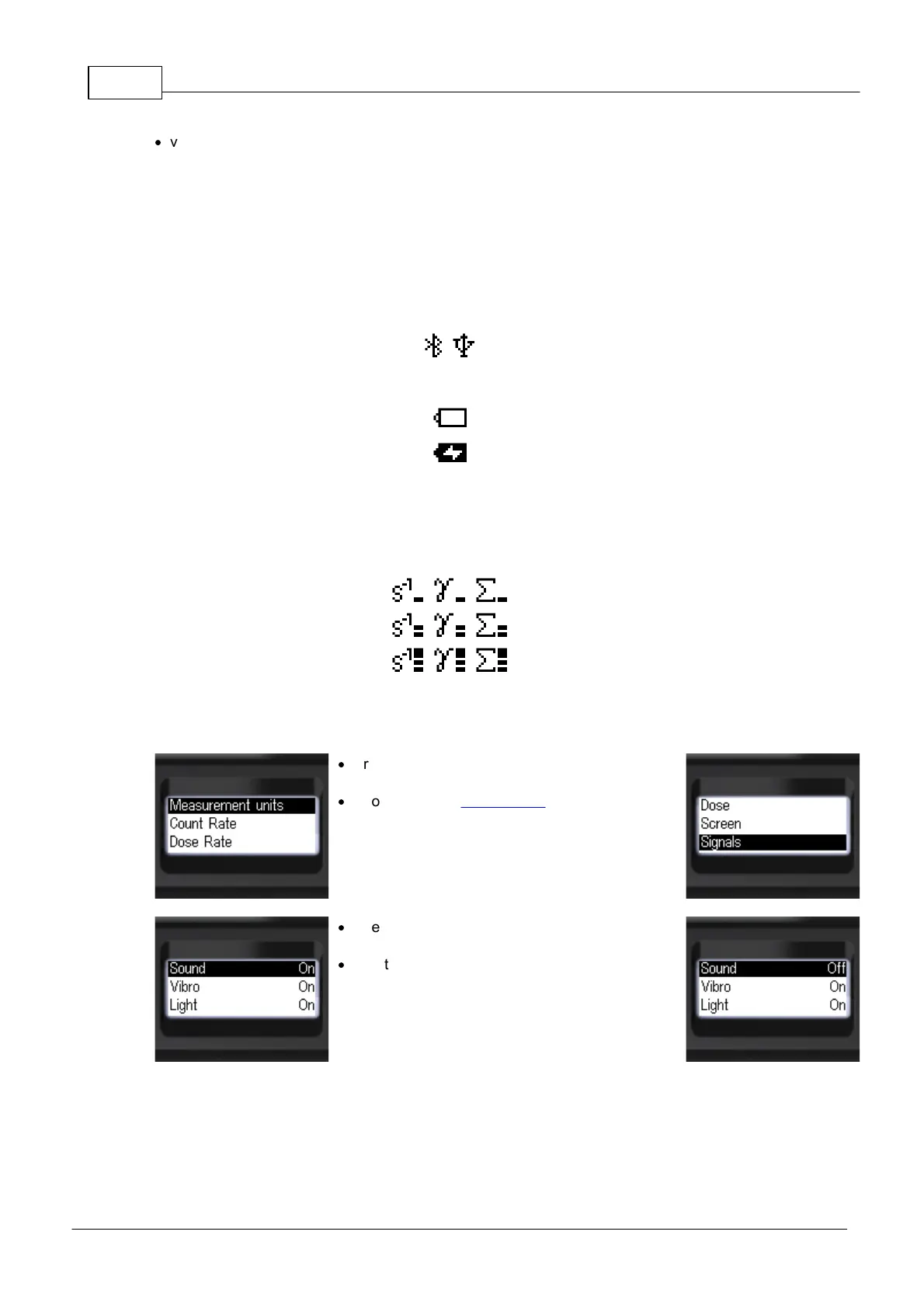
In the menu you can select the operation mode of sound, light and vibration alarms.
Separate permissions to play alarm sounds, buttons, clicks are available.
·
Briefly press the up/down rocker buttons to move
the focus to [Signals];
·
Short press the round button to move the focus to
[Signals].
·
Briefly press the up/down swing buttons to move
the focus to the item [Sound];
·
Short presses on the round button to select the
sound signaling mode:
[On] - all allowed sounds;
[Off] - only the sounds of searching for the
instrument and going out of the measuring scale
remain, if it is allowed by the settings.



 To Next Page