Radio Systems Millenium-D Digital Console Page 89
Utility Buses
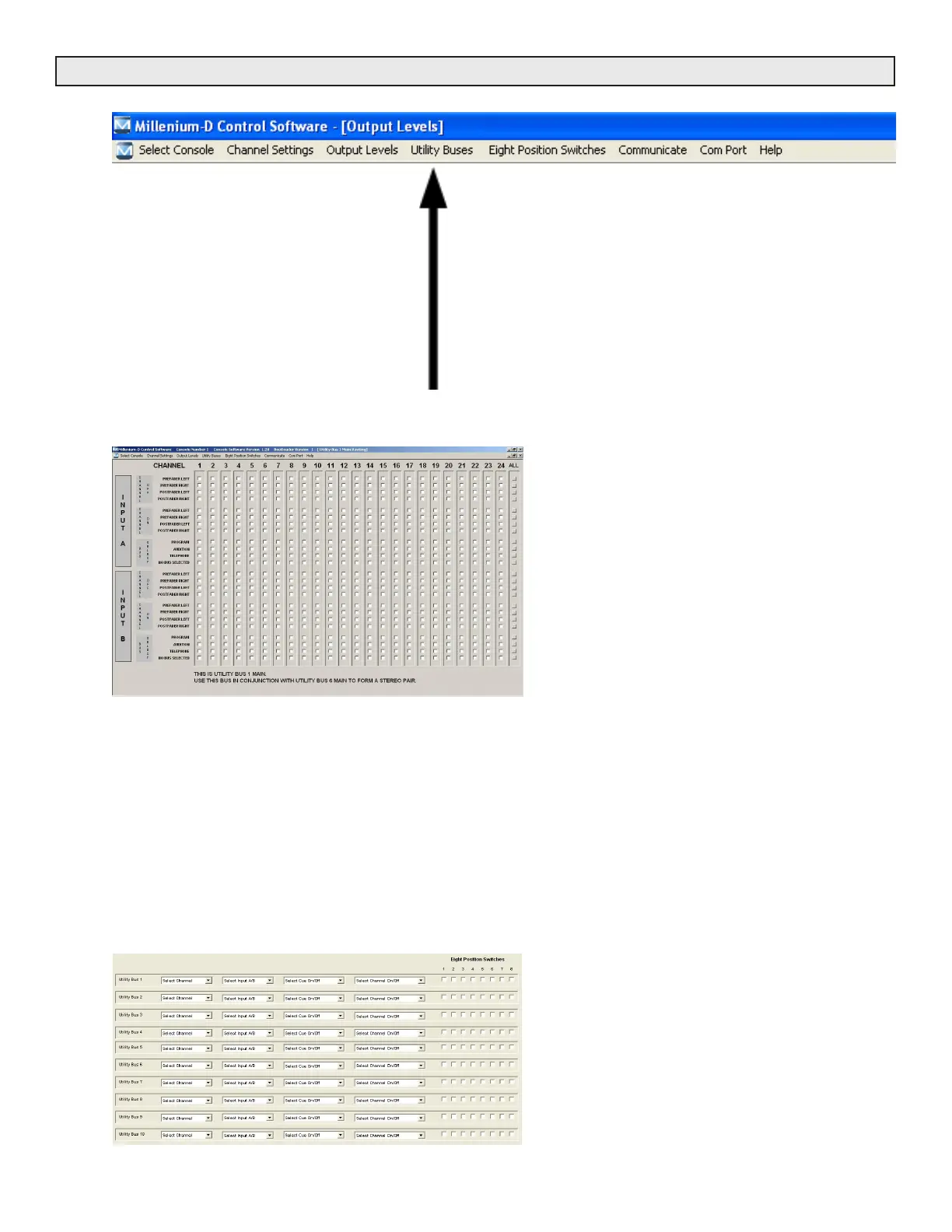
This pull-down menu contains item selections which provide Utility
Bus routing settings including:
1- 10 Main Utility bus routing screens
2- 10 Alternate Utility bus routing screens
3- 1 Main / Alternate Utility Bus switching screen
Each of the 10 Utility bus provide a Main and Alternate set up
screen to configure what channel audio will mix to comprise that
Utility bus. Additionally, a Main / Alternate switching screen is
provided to select when the Main or Alternate selections are active
for each bus.
Screen #1-10
Main Utility Bus Routing
Select witch input signals feed the Utility bus screen
shown. Options for each input channel selected include:
Pre or post fader
Pre or post on/off switch
A & B inputs
Left & Right channels.
Bus Selected
Screen #11-21
Alternate Utility Bus Routing
When an alternate (second) mix for a Utility bus is
required, configure this buse’s alternate mix on the
corresponding alternate Utility bus screen. Options for
each input channel are identical to the main utility bus
screen. Main / Alternate utility buses are automatically
voted based on paramaters selected on menu option #22
below.
Note- When programming stereo pairs (for either analog
or digital outputs) group as follows:
Out 1 - Channels 1&6
Out 2 - Channels 2&7
Out 3 - Channels 3&8
Out 4 - Channels 4&9
Out 5 - Channels 5&10
Screen #22
Main/Alternative Utility Bus Select
For each Utility Buss a trigger can be established to activate
either a Main or Alternate buss configuration. Triggers include:
8 position front-panel switcher
Cue channel switching
Same channel on/off buttons
Other channel on/off buttons
Note 1 - If no trigger options are selected for a particular Utility
Bus, that bus will remain constantly in the “Main” Utility bus mix
selection.
Note 2 - Reentering and changing the “8 position selector
switch” menu will require that all Main / Alternate Utility bus
selections be reselected.



 To Next Page