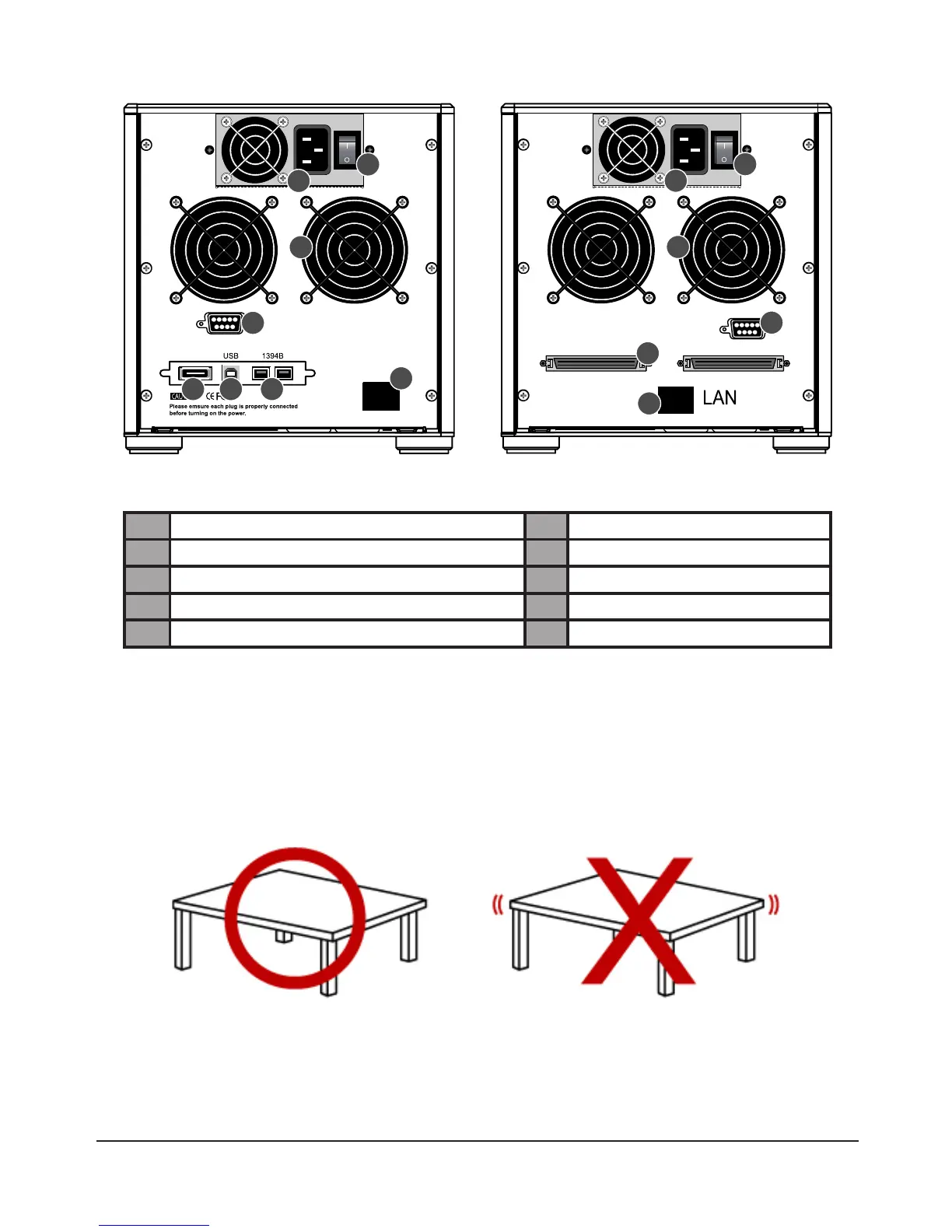
Rear View
WBS2 U3
1 Power Input 2 Power On/Off
3 Cooling Fan 4 RS232 Port
5 LAN Port 6 eSATA Port
7 FireWire 800 (1394b) Port 8 USB Port
9 SCSI Port
2. Hardware Installation
Please follow the steps below to complete the installation of the SR6600 hardware.
1) Remove the external packaging, remove the product unit and place it on a stable surface. Check that
thecoolingfansarenotblockedandhavesufcientroomforventilation.(Please
avoid placing the
device near a source of water or where the product may be prone to damage.)



 To Next Page