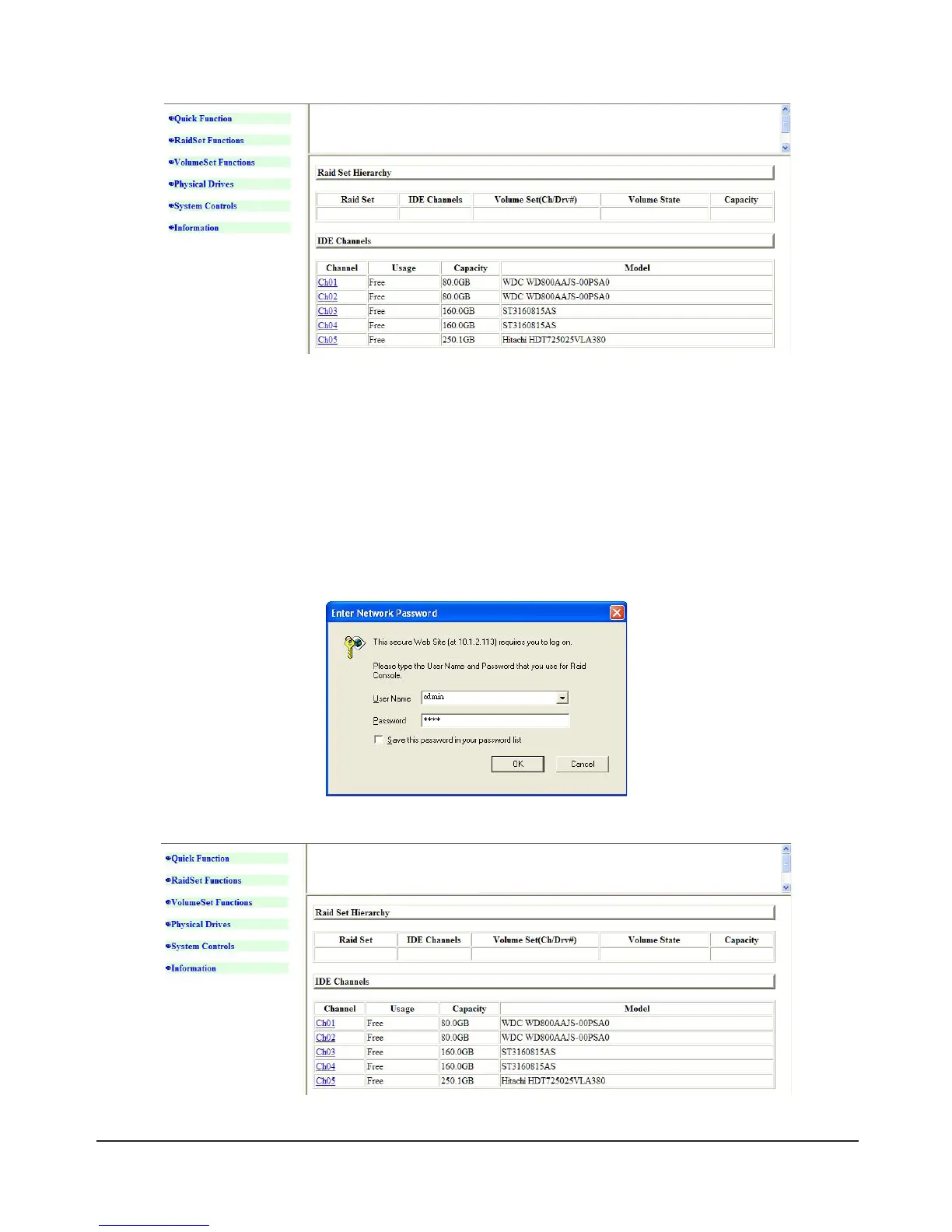
3) After entering the account and password the setup screen will be shown..
1.3 Login to Web GUI via LAN Port
If you choose to log into the Web GUI over a LAN connection, please connect the SR6600 to the network
and the SR6600 will automatically acquire an IP address from your DHCP server. If an IP address can’t
be acquired, the SR6600 will automatically set an IP address. (The default IP is 192.168.1.100)
The IP address used will be automatically shown on the unit’s LCD display. You can access the login
interface by launching a web browser and typing in the shown IP address. After entering the account and
password you will be logged in to the system.
Default Account: admin Default Password: 0000



 To Next Page