1.2 RS2323 Cable Login
1.2.1 Login to VT100 via RS232 Cable
You can choose to login to the system by connecting to the unit through the RS232 Port on the back.
This method requires you to execute the VT-100 HyperTerminal program on the computer in order to
access the system settings. Connect the appropriate cable then turn on the SR6600 and computer. To
log in using the VT-100, refer to the following instructions:
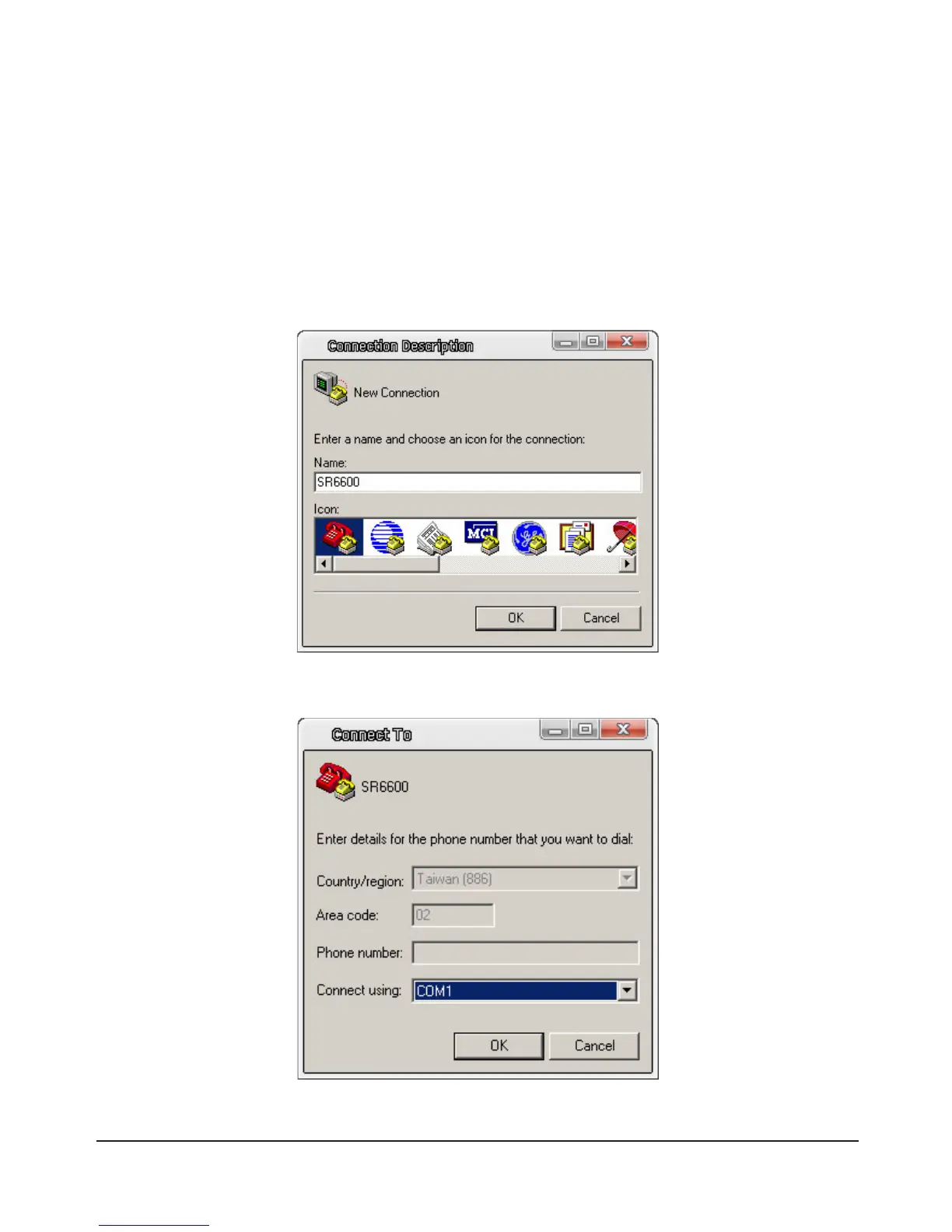
1)SelectStart→ProgramFiles→Accessories→Communications→HyperTerminal.Congurethe
terminaldatasettings.First,deneanameforthisterminal.
2) Select port.



 To Next Page