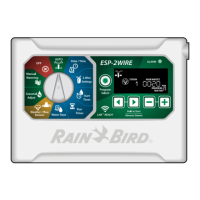
ESP-2WIRE Controller
11
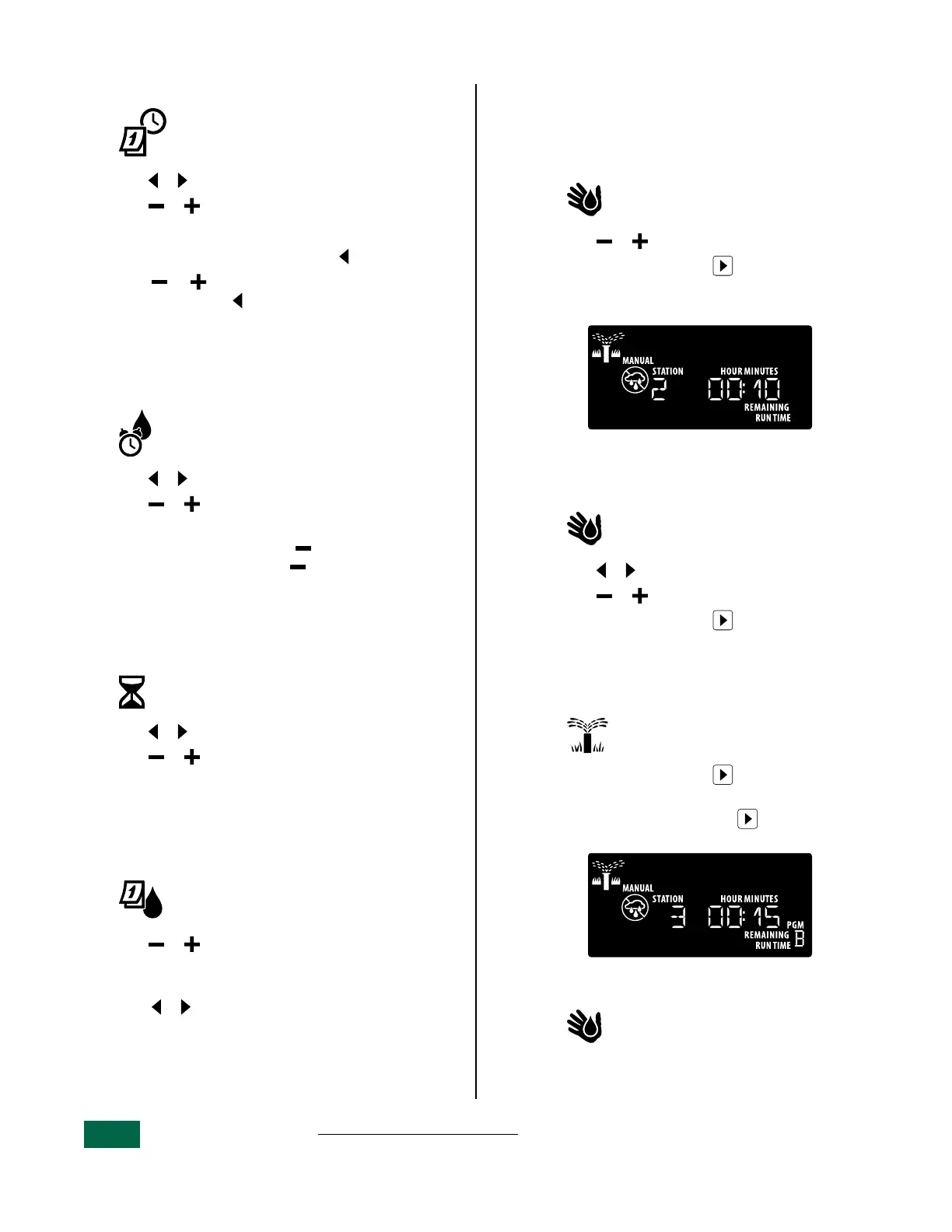
1. Set Date and Time
Turn the dial to: Date / Time
a
Press or to select the setting to change.
b
Press or to change the setting value.
To change the time format (12 hour or 24 hour):
a
With Day of Month blinking, press .
b
Press or to select the desired time
format, then press to return to the time
setting.
2. Set Watering Start Times
Up to six Start Times are available for each
program.
Turn the dial to: Start Times
a
Press or to select an available Start Time.
b
Press or to set the selected Start Time
(ensure the AM/PM setting is correct).
c
To turn off a start time press until 12:00 AM
(00:00 in 24 HR), then press one more time
for OFF.
3. Set Station Run Times
Run Times can be set from one minute up to six
hours.
Turn the dial to: Run Times
a
Press or to select a Station.
b
Press or to set the Run Time for the
selected station.
4. Set Water Days
Custom Days of the Week
Set watering to occur on specific days of the week.
Turn the dial to: Water Days
a
Press or to set the selected (blinking)
day as either ON or OFF, and to automatically
move to the next day.
b
Press or at any time to move the cursor to
the previous or next day.
Manual Watering Options
Test All Stations
Start watering immediately for all programmed
stations.
Turn the dial to: Manual Watering
a
Press or to set a Run Time.
b
Press the Hold to Start button.
c
Turn the dial to AUTO after display shows
STARTED.
Run a Single Station
Start watering a single station, or set multiple
stations to water in order.
Turn the dial to: Manual Watering
a
Press or to select the desired station.
b
Press or to set a Run Time.
c
Press the Hold to Start button.
d
Turn the dial back to AUTO
Run a Single Program
Start watering immediately for one program.
Turn the dial to: AUTO
a
Press the Hold to Start button to begin
watering the selected Program.
b
Press the Advance Station button to
advance to the next station if desired.
To add additional programs to the manual
watering queue:
Turn the dial to: Manual Watering
a
Press Program Select to choose the desired
program (if necessary).
b
Press the Hold to Start button to begin
watering the selected program.
c
Turn the dial to AUTO


 To Next Page