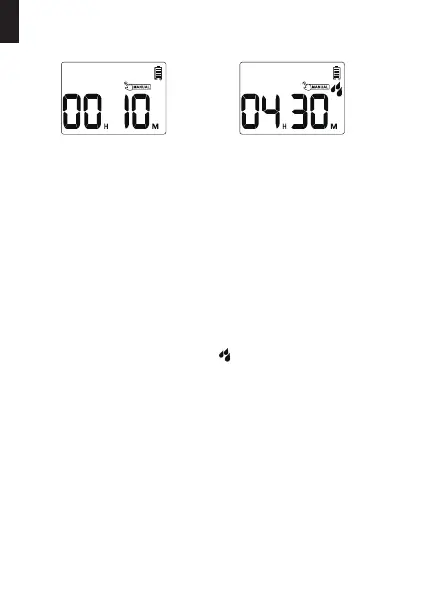
MANUAL / HAND WATERING
Peorming manual wateringSetting manual watering
1min~8hrs
This function allows you to manually water without interrupting your set
watering schedule. To access this feature, please follow the steps below.
Please remember to press the "OK" button after setting the
manual watering time to sta manual watering. Otherwise, the
manual watering setting will be automatically exited after the
screen ashes for about 3-5s.
Note:
1) Turn the dial to "ON".
2) Press and hold the "MANUAL" button for 3-5s to enter the Manual
Watering Mode.
3) Press the "+" or "-" buttons to adjust the manual watering time from
1 minute to 8 hours.
(The default manual watering time is 10 minutes.)
4) After setting the watering time, press the "OK" button to sta
manual watering and the pattern will be displayed on the screen.
5) If you need to stop the manual watering, please hold the "MANUAL"
button for 3-5s to exit the manual watering mode and restore the
original watering program.
(Or you can turn the dial to "OFF" to stop the manual watering, but
please remember to turn the dial to "ON" again to restore the
original watering program.)
- 13 -
EN



 To Next Page