PRODUCT INSTALLATION
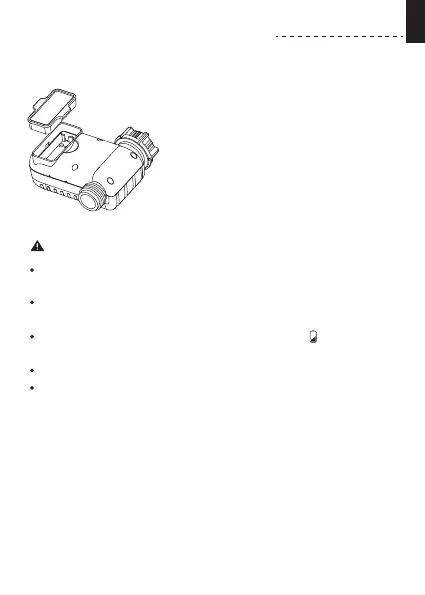
INSTALLING THE BATTERIES
Note:
Install the batte tray cover securely after installing the batte
to ensure waterproong.
When the timer is not used for a long time, please remove the
batteries and dispose of them properly.
Replace batteries when the low batte indicator appears on
display.
Don’t dispose of batteries in re. Batteries may explode or leak.
To ensure a longer lifespan, please use 2 new AAA alkaline
batteries (not included). Don’t mix new and old alkaline,
standard (carbon-zinc), or rechargeable batteries.
1) Remove the batte compament
cover on the back of the timer.
2) Inse 2 new AAA (1.5V) alkaline
batteries (not included).
3) Put the batte compament cover
back on the timer and press rmly to
make sure it is completely sealed.
- 04 -
EN



 To Next Page