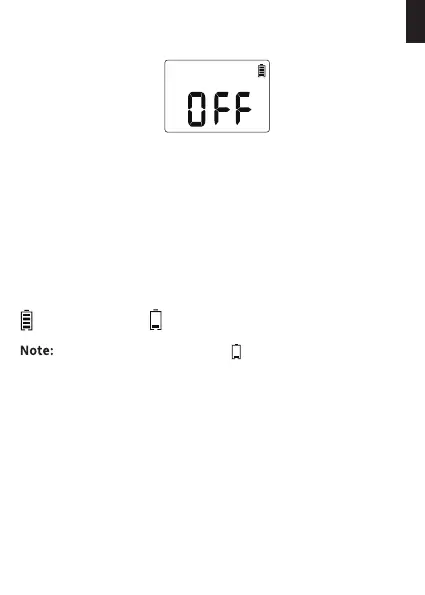
OFF MODE
BATTERY STATUS
1) If you wish to stop the watering plan for an extended period,
turn the dial to "OFF". (Your settings are saved)
2) The timer will not water automatically while in OFF mode. (The
screen will display the word OFF in large letters).
3) To sta watering automatically again, turn the dial back to "ON"
to resume your programmed watering schedule.
Full Low Power
When the low batte indicator appears on display. the valve
will close automatically to avoid leakage. Please replace the
batte in time in case of interrupting the normal operation.
Batte Status will be displayed as following:
- 14 -
EN



 To Next Page