EN
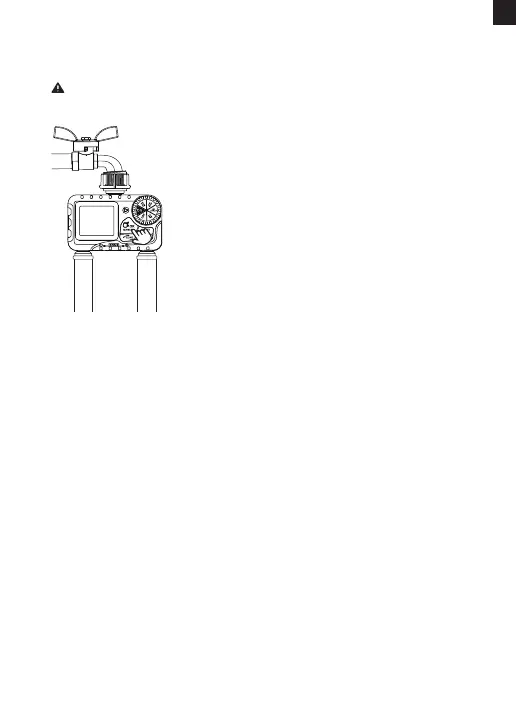
ACTIVATE THE TIMER BEFORE USE
1) Keep the garden faucet turned o.
2) Turn the timer dial to "ON".
3) Press and hold the "MANUAL" button for 3-5s
to enter Manual Watering Mode.
4) Press the "ZONE" button twice to select
both Zone 1 and Zone 2. When the screen
ashes, immediately press the "OK" button to
sta manual watering.
5) After hearing 2 "click" sounds or waiting for
about 5 secs, the valves in the timer are
opened, and then turn the dial to "OFF" to
close the valves.
6) Repeat the step 2-5 for 3-5 times.
7) Test: Turn on the faucet a little bit, and then
repeat the step 2-5 to check if the water ow
out or shut o as expected.
Please activate the device before use it for the rst time or after a
period of inactivity.
lf yes, the timer valves are normal, please use it with condence!
If not, please repeat the step 2-5 several times or contact RAINPOINT
suppo team immediately.
Note: When testing, please keep away from the water timer outlet to
avoid being splashed and wet.
- 06 -



 To Next Page