USE ONLY ONE OF THE ZONES
OFF MODE
EN
lf you want to use only ZONE 1 and close
ZONE 2, please set it up as follows.
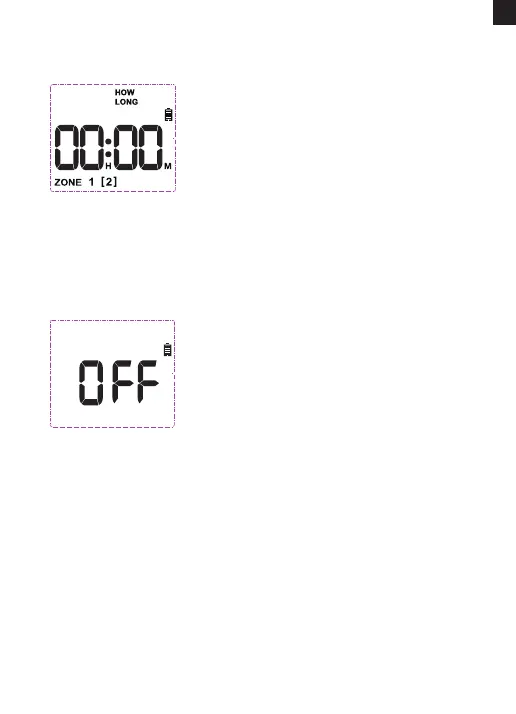
1) Turn the dial to "HOW LONG" and press
"ZONE" to select ZONE 2.
2) Press the "+" or "-" button to adjust the
Hour until the screen displays "00:00".
3) Turn the dial to "ON" to save the changes.
It means ZONE 2 is o and you can select
ZONE 1 to program schedule as needed
and then the timer will only run ZONE 1.
1) If you wish to stop all watering plan for an
extended period, turn the dial to "OFF".
(Your settings are saved)
2) The timer will not water automatically
while in OFF mode. (The screen will
display the word OFF in large letters)
3) To sta watering automatically again, turn
the dial back to "ON" to resume your
programmed watering schedule.
lf you only want to use ZONE 2 and close ZONE 1, the same applies.
STOP RUNNING WATER
If the timer is watering and you want to stop it, please turn on and
cancel Manual Watering. The current watering will be skipped, but
subsequent watering schedules will not be aected. (See page 13 for
details on Manual Watering settings)
Tips: After turning it back to ON, please pay attention to the rst
watering time. Please refer to page 11 for details.
- 14 -



 To Next Page