Alternatively you can do a full build of all targets or other types of build from the Build menu.
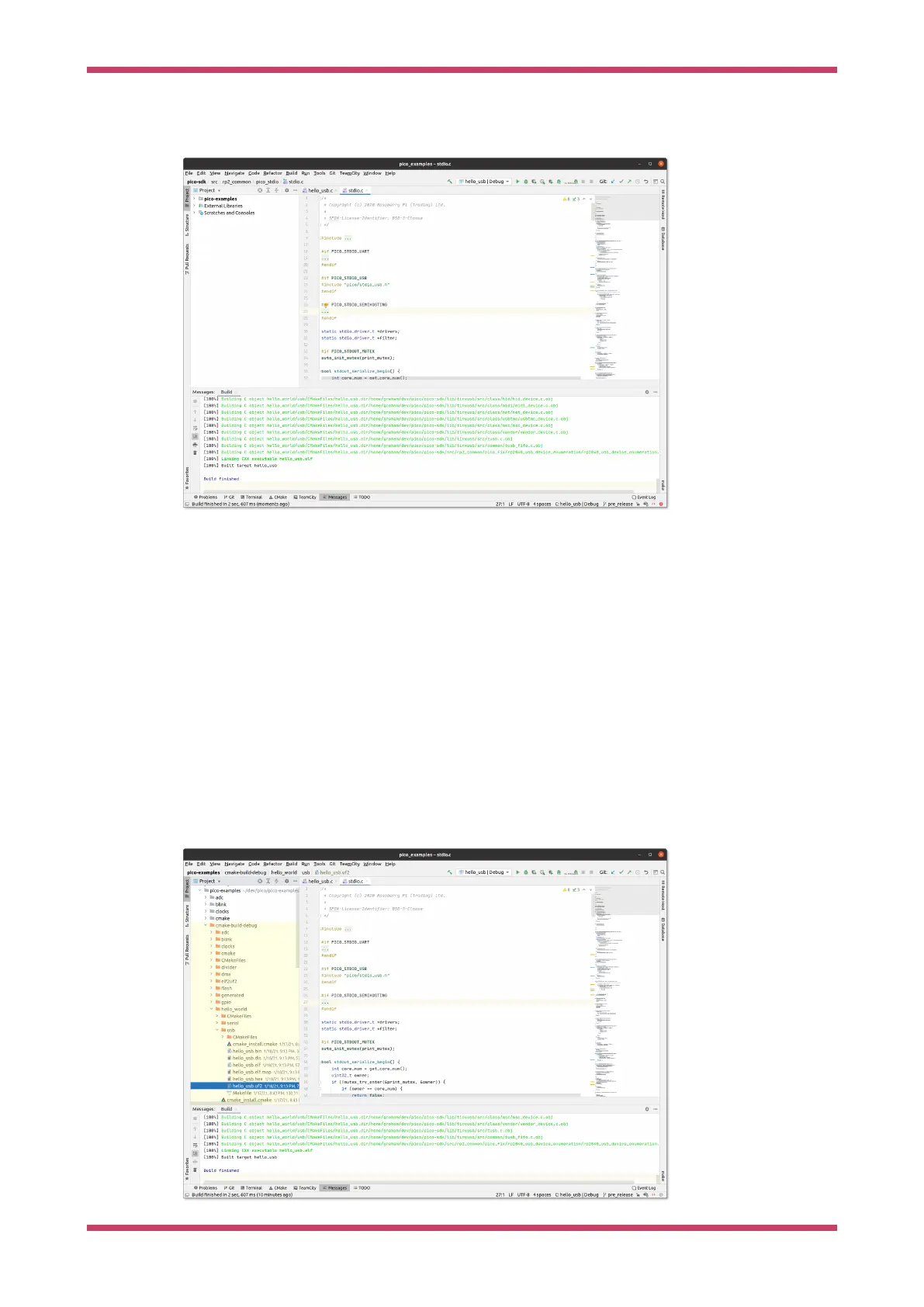
Figure 24. hello_usb
successfully built.
Note that the drop down selector lets you choose both the target you want to build and a CMake profile to use (in this
case one of Debug or Release)
Another thing you’ll notice Figure 24 shows is that in the bottom status bar, you can see hello_usb and Debug again.
These are showing you the target and CMake profile being used to control syntax highlighting etc. in the editor (This
was auto selected when you chose hello_usb before). You can visually see in the stdio.c file that has been opened by the
user, that PICO_STDIO_USB is set, but PICO_STDIO_UART is not (which are part of the configuration of hello_usb). Build
time per binary configuration of libraries is heavily used within the SDK, so this is a very nice feature.
Build Artifacts
The build artifacts are located under cmake-build-<profile> under the project root (see Figure 25). In this case this is the
cmake-build-debug directory.
The UF2 file can be copied onto a Raspberry Pi microcontroller in BOOTSEL mode, or the ELF can be used for
debugging.
Figure 25. Locating
the hello_usb build
artifacts
Getting started with Raspberry Pi Pico-series
Use CLion 50



 To Next Page