Macintosh
34
3)Select [Config Utility] from the [File] menu. The window shown in the
next page will appear. For setting information, refer to the next page.
4)After configuring the SCSI parameter, change selected set from [FIREREX
CONFIGURATION ] to the previous settings you used before with the
[Extensions Manager]. Then, restart your Mac.
1)Before starting this utility, make sure the following points:
a.Open [Extensions Manager] and make sure selected set is [FIREREX1
CONFIGURATION] as described in Chapter 4-2-1.
b.Make sure the following two driver is enabled with [Extensions Manager].
-FireREX1APIDriver / FireREXLoaderDriver
c.Make sure the following two driver is disabled with [Extensions Manager].
-Authoring Support / FireWire Authoring Support/Disc Burner Extention
d.Don’t connect any1394 devices/repeaters to a PC/the FR1SX directly or
in between.
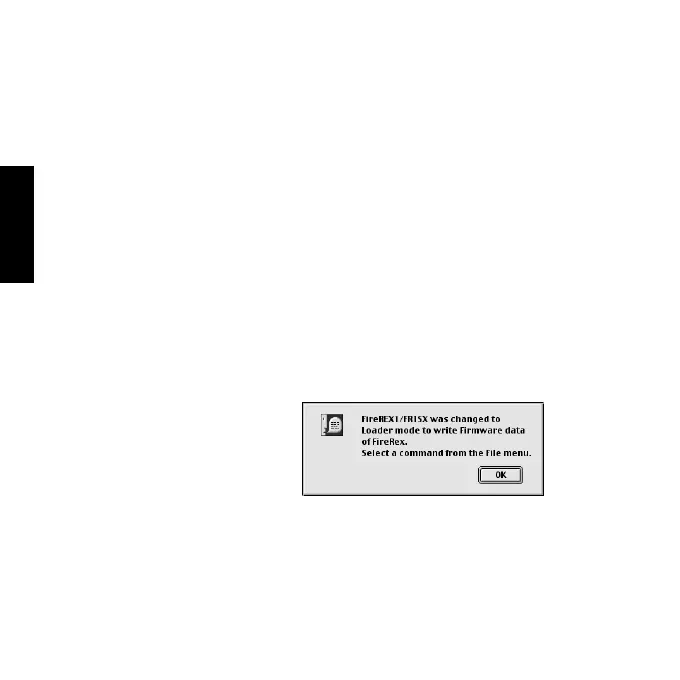
2)Open the [FRUTY] folder and start [FR1 Utility].The following window
will appear. Click [OK].
B.How to configure the SCSI parameters



 To Next Page