Macintosh
41
B.How to configure the SCSI parameters
1)Start the FR1 utility as described at step 1-7 in chapter 4-2-2.
2)The main window shown in the next page will appear.
Refer to the next page for setting items information.
3)After changing your settings, click [Start Configuration setting].
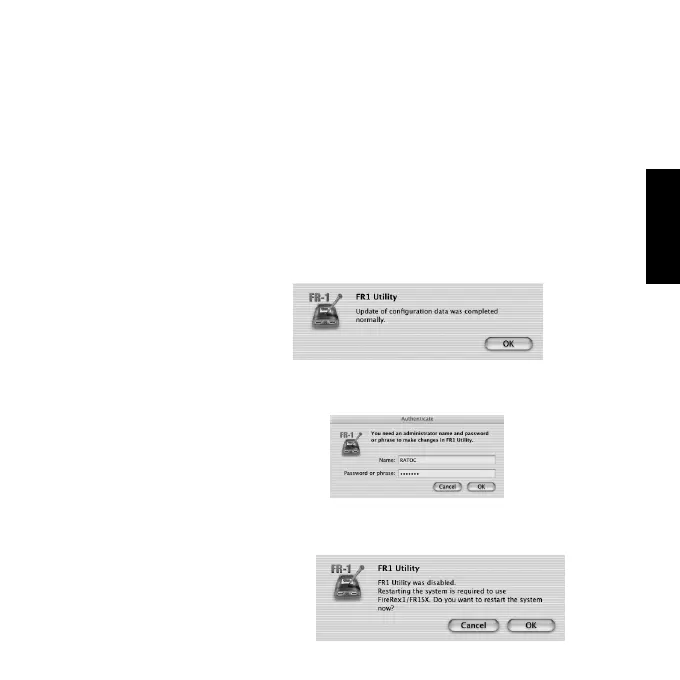
4)After finishing the configuration settings, the following window will appear.
Click [OK].
With this firmware update utility, you can configure settings for the SCSI
device
5)Click [Disable FR1 Utility] on the main window.
6)The following window will appear. Type in an administration password.
Then, click [OK].
7)You will be prompted to restart your system.Click [OK].



 To Next Page