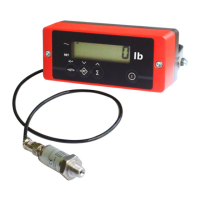
USER MANUAL – RCS
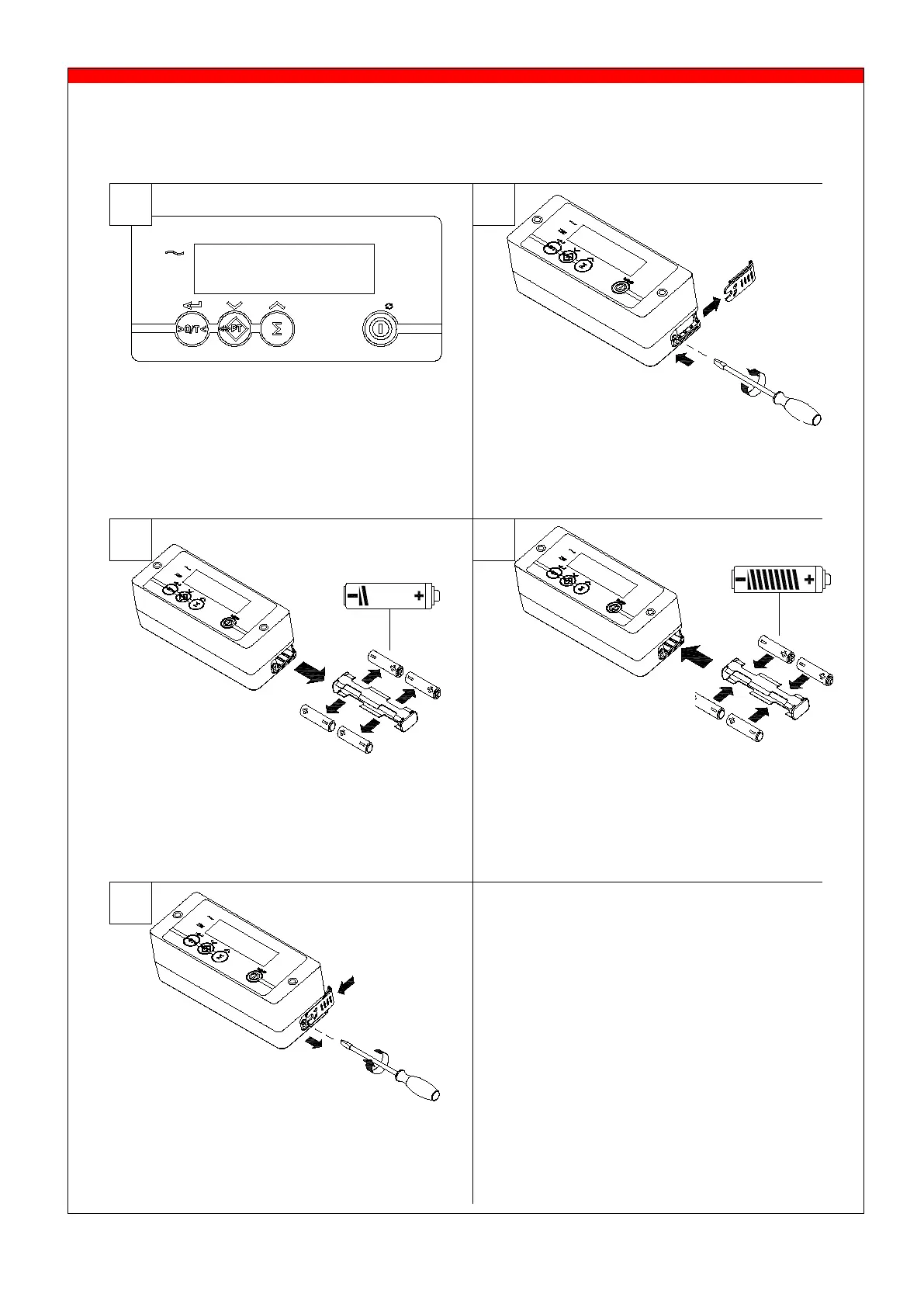
7.12 Changing the batteries of the indicator (after XX/XX/2014)
The indicator is equipped with 4 AA batteries.
the battery
compartment and put
the battery holder
back
into the casing.
Replace the batteries as soon as the
LO-BA indication will blink.
As the LO-BA indication starts to flash
while printing (option), replace the
batteries.
Remove the lid of the batteries from
the indicator housing by turning the
screw counter-clockwise.
Take the battery holder out and remove
the empty batteries.
Insert the batteries correctly into the
battery charger, check the polarity.
Put the lid back on the indicator
housing and tighten the screw
clockwise.


 To Next Page