Reach Alpha Integration Manual | V006
+61 (2) 9519 7651 | info@reachrobotics.com www.reachrobotics.com
7. Bench setup and acceptance test
7.1. Bench test
Prior to vehicle integration activities, a bench level test is recommended. This builds familiarity from the ground up
and assists with product acceptance. The following procedure walks you through the bench setup procedure.
Yo u will need:
• Reach Alpha Product
• Supplied testing setup
o Break-out board (BOB)
o 24V power supply
o Reach Alpha comms/power cable
o USB-MicroUSB cable
• Reach Control software
• PC/laptop running Windows
1.1.1. Physical interfacing
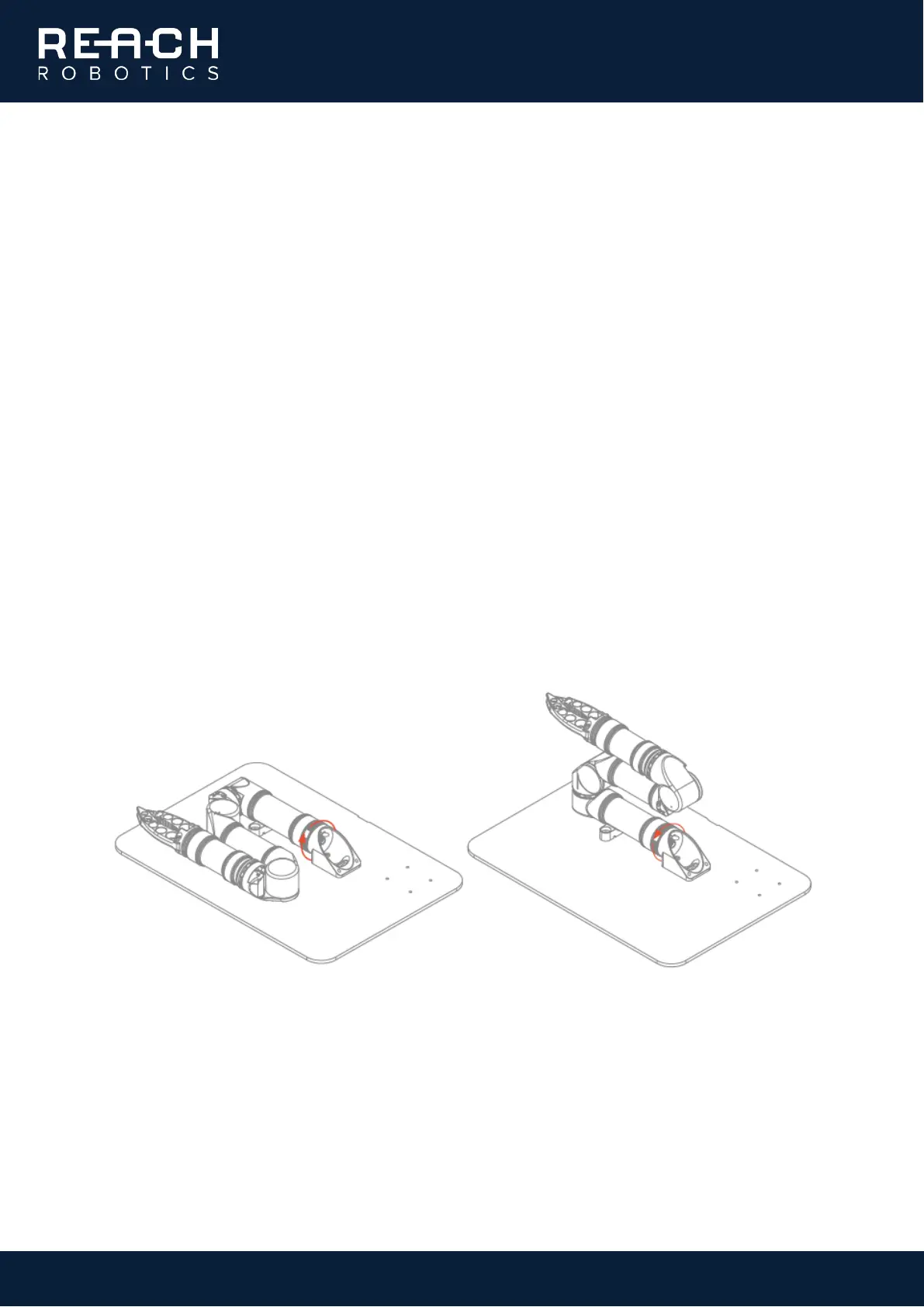
• Remove the manipulator and stand from the transport case and place on the bench. Loosen the mount
locking nut, rotate the manipulator 90° to the upright position, align the pins and retighten.



 To Next Page