Reach Alpha Integration Manual | V006
+61 (2) 9519 7651 | info@reachrobotics.com www.reachrobotics.com
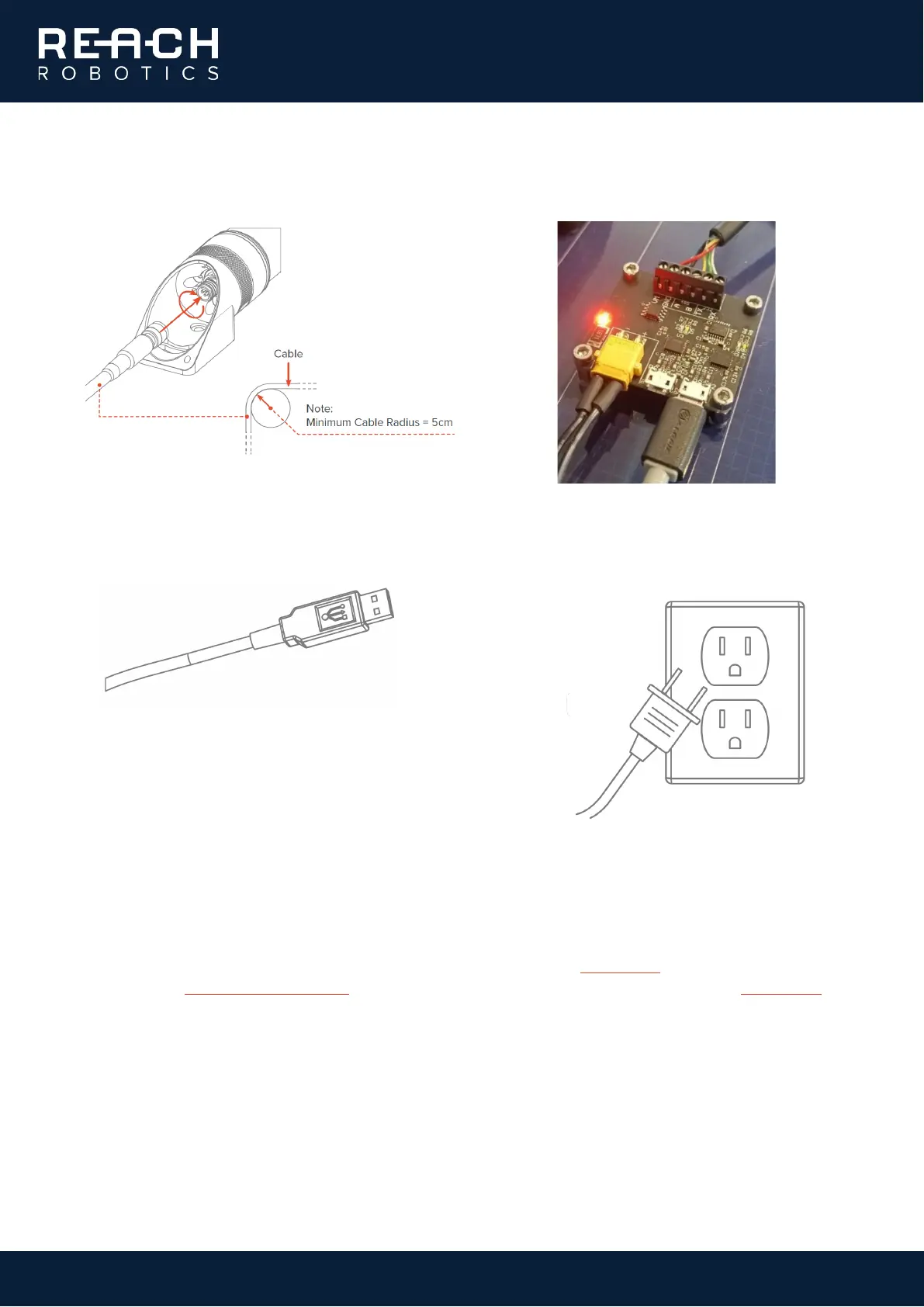
• Connect the Impulse Connector to the base
of the manipulator.
• Plug the micro-USB into the BOB and attach
the power supply.
• Plug the USB into the PC/laptop.
• Turn on the power at the wall socket. The red
LED on the BOB will illuminate. This
completes the mechanical setup procedure.
1.1.2. Software interfacing
You can download the Reach Control software for Windows or Linux from our website; if you have any questions,
please contact Reach Robotics Support. You can also download the Reach Control manual from our website for
more information on how to use the software.
1. Install Reach Control on your PC/laptop.



 To Next Page