Reach Alpha Integration Manual | V006
+61 (2) 9519 7651 | info@reachrobotics.com www.reachrobotics.com
8.2. Change and calibrate jaws
Whenever you change between jaw types on a Reach Robotics manipulator, you must “zero” the jaws in Reach
Control. This is because each jaw type has a different range of motion, and so must be calibrated in the control
software prior to use to ensure correct functionality.
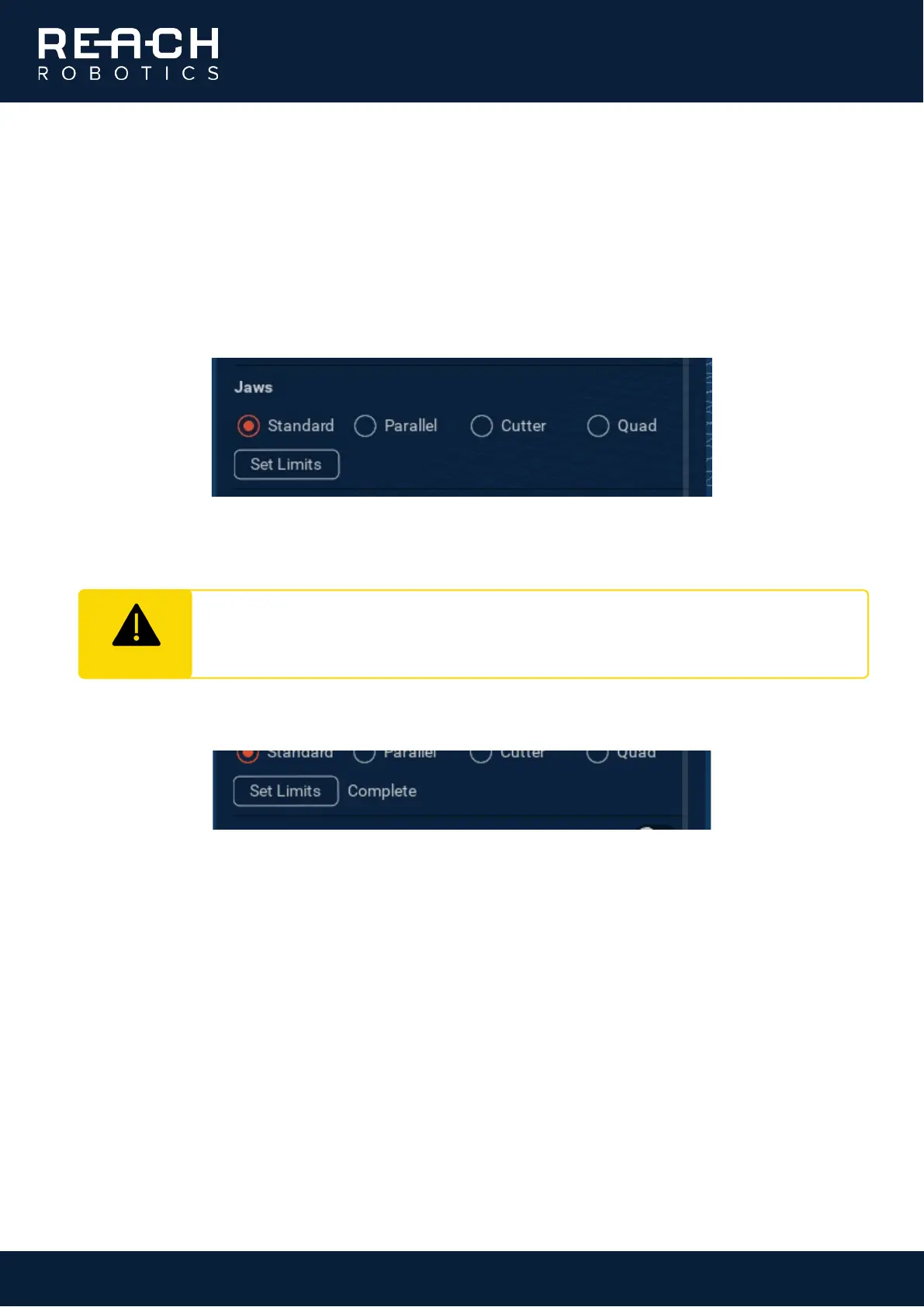
After physically changing the jaws, expand the Device panel in Reach Control and select the check box next to
the desired jaw type. The jaws will update in the visualisation.
Click the Set Limits button to start the calibration. The jaws will open and close automatically to find the correct
range of motion and position limits.
The feedback will display Complete once the autocalibration as run successfully.
CAUTION
The jaws represent a crush/cut hazard. Ensure that there is nothing between the jaws and all
personnel keep clear while the manipulator runs the autocalibration sequence.



 To Next Page