Reach Alpha Integration Manual | V006
+61 (2) 9519 7651 | info@reachrobotics.com www.reachrobotics.com
7.2. Acceptance tests
1.1.3. Range of motion test
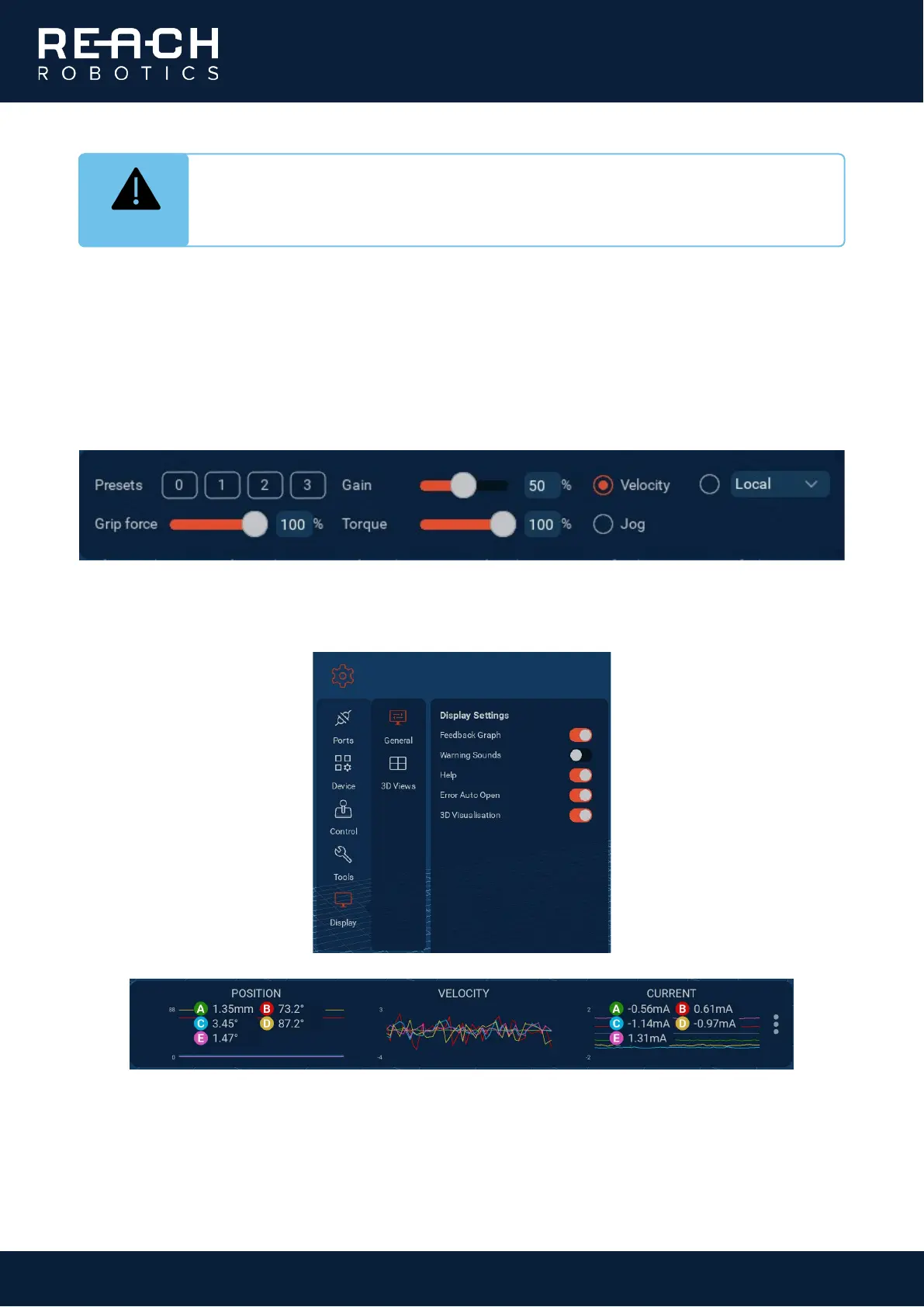
1. On the control panel in the bottom right of Reach Control, click the Velocity button. Directional arrows will
appear on the 3D model.
2. Go to Settings > Display > General and toggle Feedback Graph. The monitoring panel will open at the
bottom of the screen. Left-clicking on any of the graphs will bring up the numeric values for each joint.
INFO
You can navigate the 3D model view using the following mouse operations:
Left-click + drag: rotate view Scroll wheel: zoom
Right-click + drag: translate view



 To Next Page