Reach PoE5 Tester Manual 1.8 03/25/2021 Page 10
4. Connectors and Jumpers
4.1. RJ-45 Ethernet Connectors
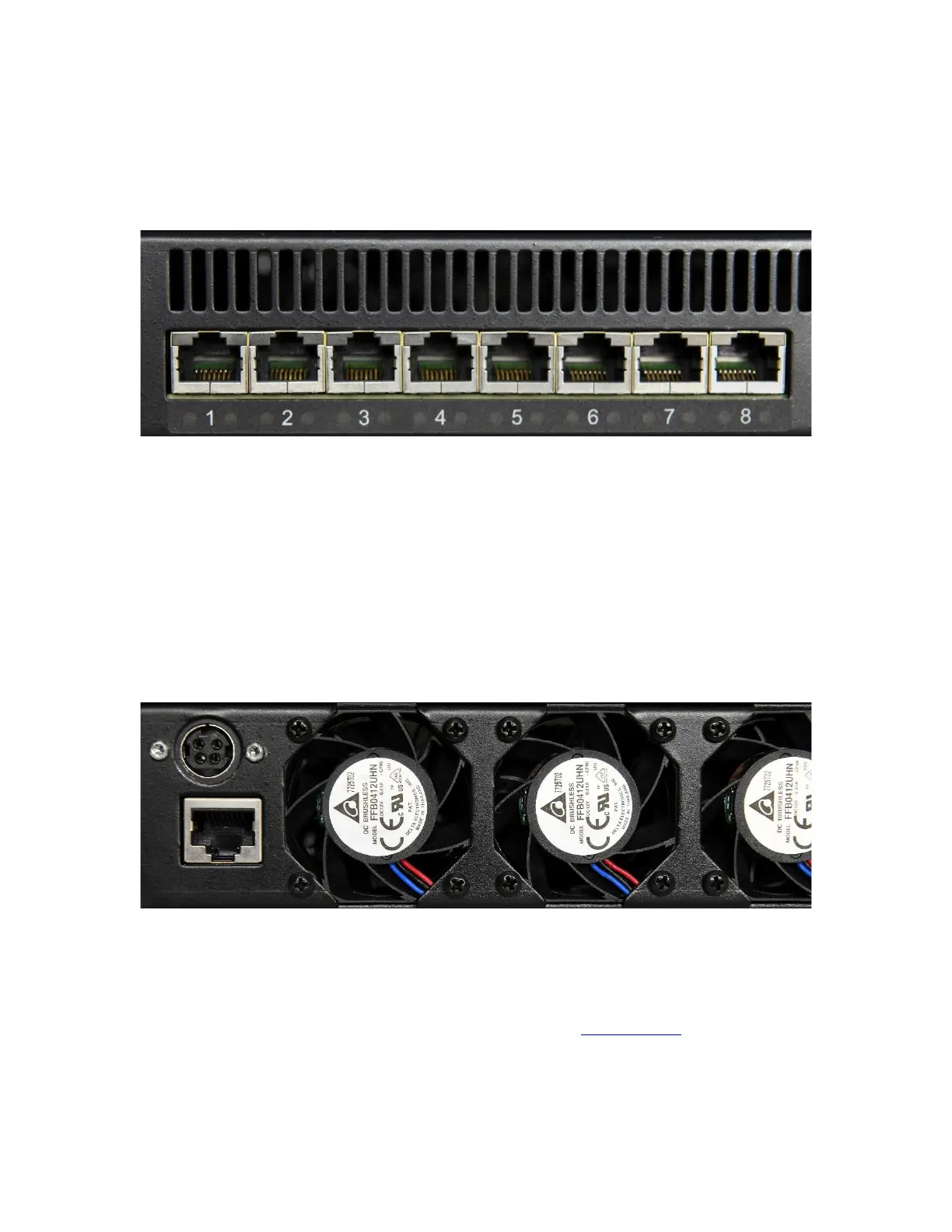
Picture 2: Far left side of RT-PoE5 front panel
There are 24 numbered UUT ports. The RJ connector should be cabled to the
corresponding PSE port using a standard Ethernet 1-1 jumper cable. When enabled via
software command, the data component of the port N (N=1,3,5,…) will be connected to
the data of port N+1 via Ethernet transformers and relays. This is a straight-through
connection, not a crossover.
4.2. Rear Connectors
Picture 3: Far left side of RT-PoE5 rear panel
The left side of the rear of the unit is shown above. The power jack is a power DIN 4 pin
with lock type, KYCON KPPX-4. Pin 1,4 are 12VDC and pin 2,3 are GND. Below that is
a console connector (RJ45, three-wire RS-232). See the Serial Console section for pinout.



 To Next Page