Troubleshooting
24 Owner’s Guide – Redback Smart Hybrid System – v3.8
12.3 Internet connection problems
Occasionally, your inverter may lose internet connection and be reported as “offline”. Ethernet connected systems usually self-
repair after a system restart. Wi-Fi problems usually require that the system is re-onboarded. The most common causes of
“offline” reports are:
Change of Internet Service Provider e.g., Telstra,
Optus, TPG, Dodo etc
Ethernet: Restart the system.
Wi-Fi: Restart the system and re-onboard.
Change of Network name or SSID
Changed settings in router or modem
Changed Wi-Fi or Network password
Wi-Fi: Restart and re-onboard
Too many users or devices on your home Wi-Fi
network
Limit users or devices; upgrade Wi-Fi router;
connect inverter using ethernet.
Wi-Fi signal is weak or variable due to obstructions
or distance between the inverter and your Wi-Fi
router’s antenna.
Experiment with Wi-Fi router locations; use a Wi-
Fi extender; connect using ethernet.
Attempting connection to a 5Ghz Wi-Fi network
This equipment is not compatible with 5Ghz Wi-Fi
networks. Use a 2.4Ghz network or ethernet.
12.4 Earth fault alarm
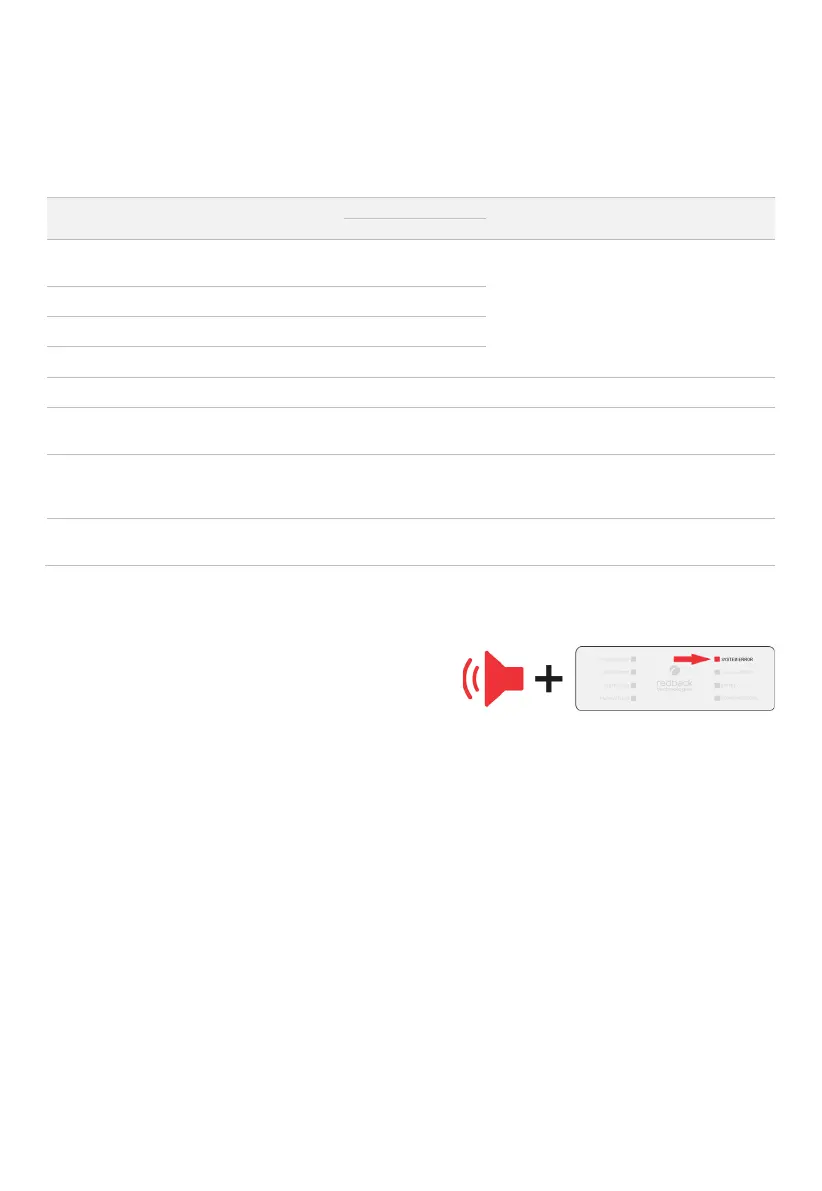
If the Redback system detects an earth fault:
1. An audible alarm will sound in the inverter.
2. The System Error LED will be solid (see also page 26).
3. An email will be sent to Redback customer service, the
registered installer, and the system owner.
An email is also sent when the alarm is cleared.



 To Next Page