EasyManua.ls Logo

Redback SH5000 - User Manual

Redback SH5000
36 pages
Print Icon
To Next Page IconTo Next Page
Loading...
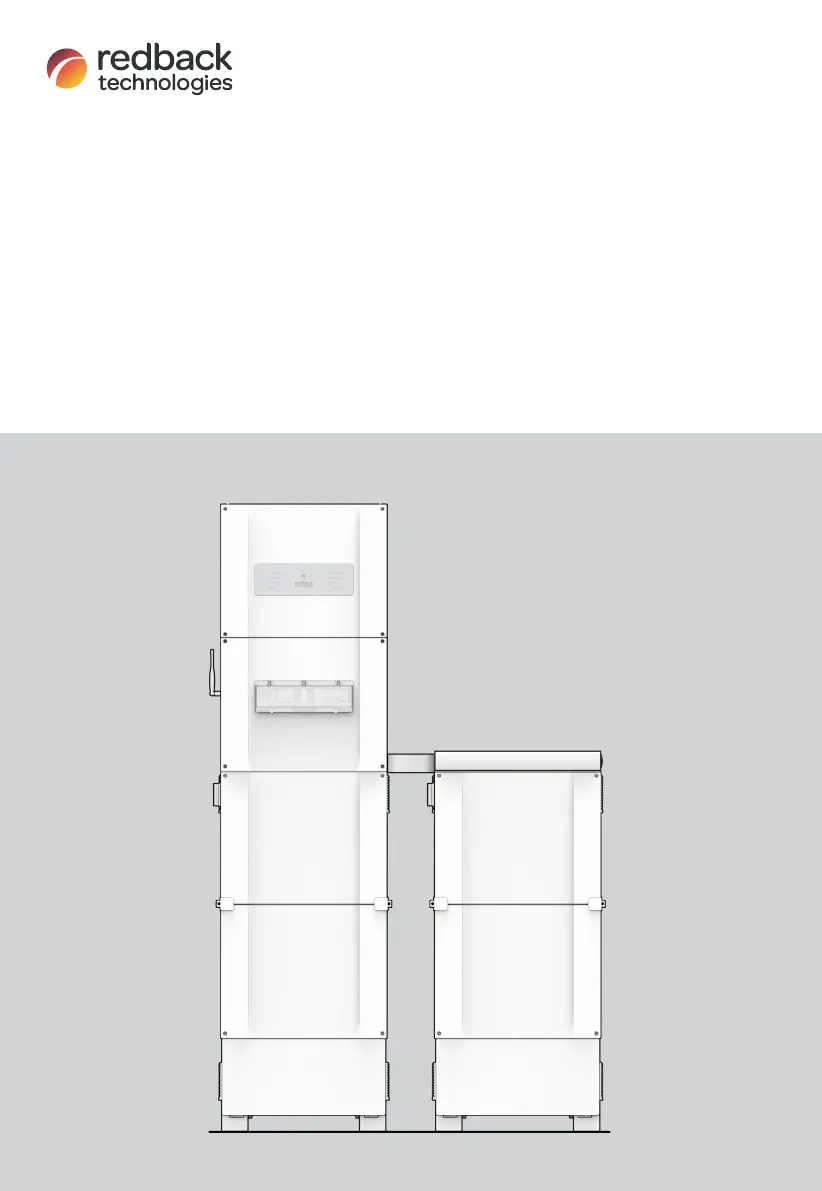
Owner’s Guide
Redback Smart Hybrid System
SH5000
Inverter
BE13200 or BE14000 Battery Enclosure
V3.8

Other manuals for Redback SH5000

Questions and Answers

Summary

Important safety instructions

Features and benefits of your Redback system

System description

Major components and dimensions

Details the physical components and overall dimensions of the Redback system, including diagrams.

Status Panel LEDs

Explains the meaning and patterns of the status LEDs on the inverter panel for diagnostics.

BoS switchgear

Describes the Balance of System (BoS) switchgear, including isolators and meters.

EMS LEDs

Details the status indications provided by the Energy Management System (EMS) LEDs.

Batteries and Battery Enclosure

Covers the capacity, combinations, and installation of batteries and their enclosures.

Backup circuit (optional)

Explains the functionality and requirements for the optional backup circuit.

System limitations

Getting the best from your system

Keep your system in good condition

Provides advice on maintaining system efficiency through cooling, maintenance, and internet connection.

Monitor performance

Guides on monitoring household energy performance via the MYRedback app and portal.

Getting the best from your batteries

Offers tips on optimizing battery performance and backup reserve settings.

Getting the best from your relays

Explains how to utilize relays for controlling equipment based on schedules or remote commands.

Getting the best from your backup circuit

Details how to maximize the effectiveness of the backup circuit by selecting appropriate devices.

Inverter operation

Locking up the batteries

Describes methods for securing the battery enclosure to prevent unauthorized access and theft.

Inverter - Changing bypass modes

Explains the function and operation of the inverter's bypass switch.

Shutdown procedure

Step-by-step guide for safely shutting down the inverter and associated components.

Inverter restart

Provides instructions for cold-booting and restarting the inverter software and system.

EMS restart

Details the procedure for restarting the Energy Management System (EMS) software.

Inverter operating modes

Auto mode

Describes the default mode for maximizing self-generated and stored energy usage.

Standby mode

Explains the mode activated when no solar or battery energy is available.

Charge battery mode

Details the mode for prioritizing battery charging, potentially from the grid.

Discharge battery mode

Covers user-selectable mode for prioritizing battery discharge to AC loads or the grid.

Backup mode

Explains the mode activated during grid outages to power the backup circuit.

Onboarding the inverter

Ethernet

Describes the preferred method for connecting the inverter to the internet via Ethernet.

Bluetooth Low Energy (BLE)

Outlines the process for onboarding using Bluetooth Low Energy connection.

Troubleshooting

Backup circuits have no power

Addresses common causes and solutions for backup circuits losing power.

Inverter unexpected shutdown

Diagnoses and explains reasons for unexpected inverter shutdowns.

Internet connection problems

Provides solutions for common issues causing the inverter to report as 'offline'.

Earth fault alarm

Explains the detection and notification process for earth faults in the system.

Inverter Status LEDs

Interprets the LED indicators on the inverter for system status and diagnosis.

EMS Status LEDs

Details the meaning of LEDs on the Energy Management System (EMS) for troubleshooting.

SM3000 Smart Meter diagnostics

Explains how to interpret the diagnostic lights on the SM3000 Smart Meter.

Maintenance

Schedule

Outlines the recommended annual maintenance schedule for the Redback system.

Cleaning the Battery Enclosure fan filters

Provides detailed steps for cleaning the filters and filter covers of the battery enclosure.

Specifications

Redback installation details

Redback SH5000 Specifications

General IconGeneral
BrandRedback
ModelSH5000
CategoryInverter
LanguageEnglish

Related product manuals