CHAPTER 6
6-102
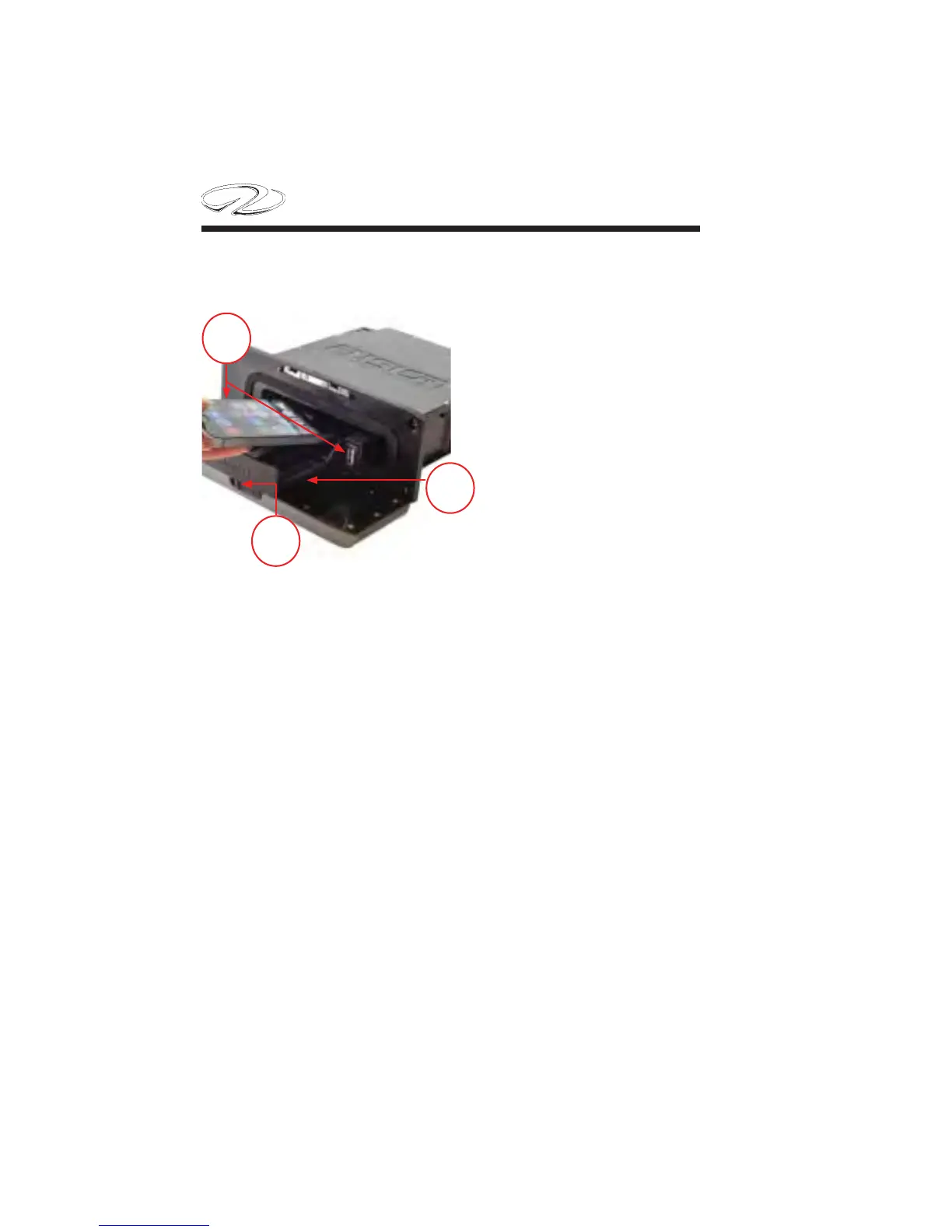
5. Slide in the device tray and close the door.
1
2
3
Media Player Compatibility
With the UD standard model you can use the adapter cables included
to connect popular media players to the internal docking system. Only
media players with the ports on the bottom, not on the sides, fi t into
the docking station. Media players larger than 5.67” x 2.80” x .52” do
not fi t into the docking station. Refer to the Fusion manual for specifi c
media player compatibility listings.
You can play media from a compatible Bluetooth device using the
Bluetooth wireless connection.
1. Select the Bluetooth source.
2. Select “Discoverable” to make the stereo visible to your compatible
Bluetooth device.
Media Player Compatibility


 To Next Page