│
20
EGULUS - SRS 3 Controller - www.re
ulus
C 3 - Turning on for the first time
The first time the controller is turned on, language and
clock need to be set.
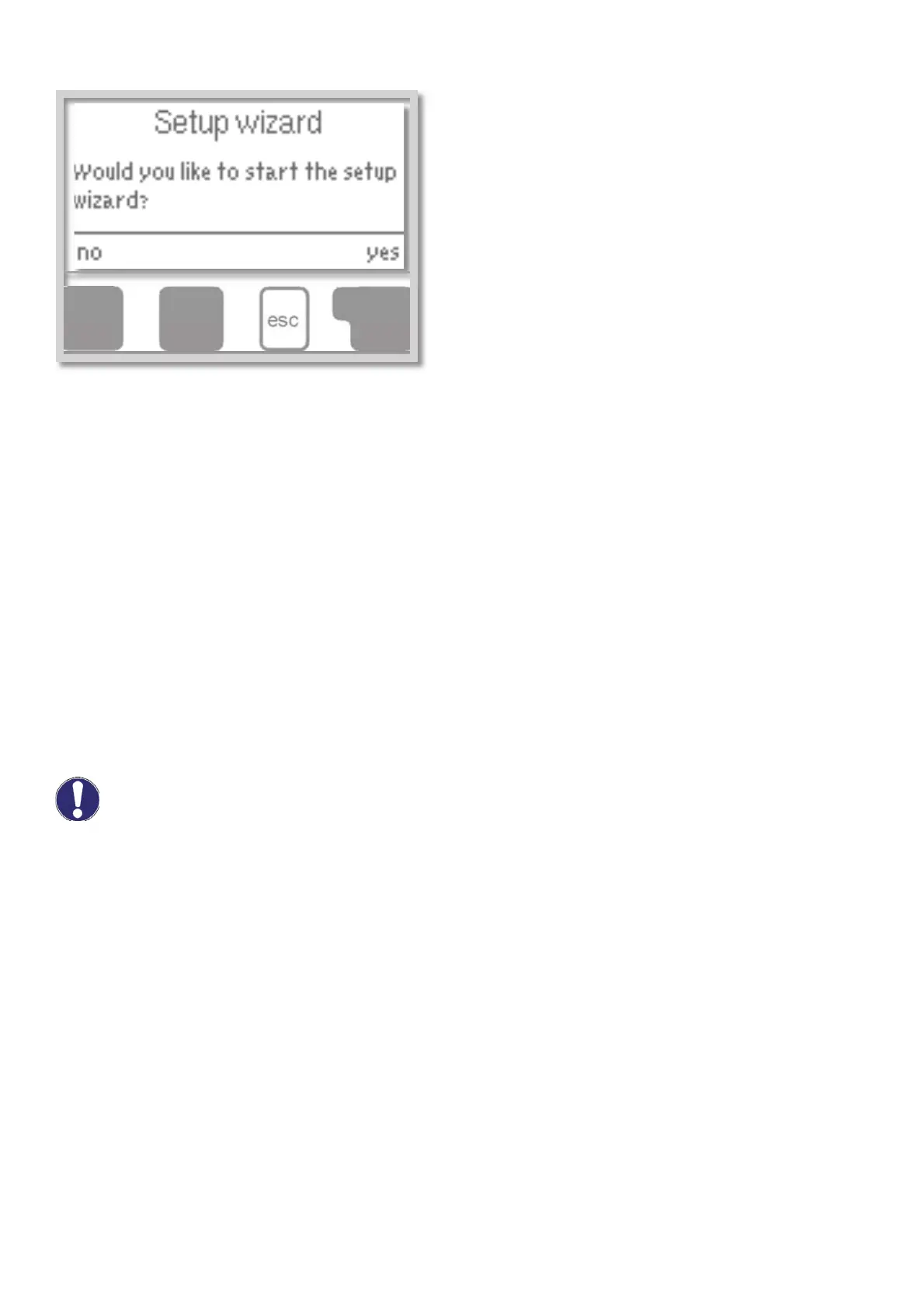
After that a query appears as to whether you want to
parameterize the controller using the commissioning
help or not. The commissioning help can also be
terminated or called up again at any time in the
special functions menu. The commissioning help
guides you through the necessary basic settings in the
correct order, and provides brief descriptions of each
parameter in the display.
Pressing the „esc” key takes you back to the previous
value so you can look at the selected setting again or
adjust it if desired. Pressing the „esc“ more than once
takes you back step by step to the selection mode,
thus cancelling the commissioning help. Finally, menu
4.2 under operating mode „Manual” should be used to test the switch outputs with the consumers connected,
and to check the sensor values for plausibility. Then switch on automatic mode.
C 4 - Free commissioning
If you decide not to use the commissioning help, you should make the necessary settings in the following
sequence:
- Menu 10. Language (see D10)
- Menu 7.2 Time and date (see D7.2)
- Menu 7.1 Program selection (see D7.1)
- Menu 5 Settings, all values (see D5)
- Menu 6 Protective functions if modifications are necessary (see D6)
- Menu 7 Special functions if additional changes are necessary (see D7)
Finally, menu 4.2 under operating mode „Manual“ should be used to test the switch outputs with the
consumers connected, and to check the sensor values for plausibility. Then switch on automatic mode.
Observe the explanations for the individual parameters on the following pages, and check whether
further settings are necessary for your application.
Caution


 To Next Page