RENA XPS-80/90
User Guide
5-3
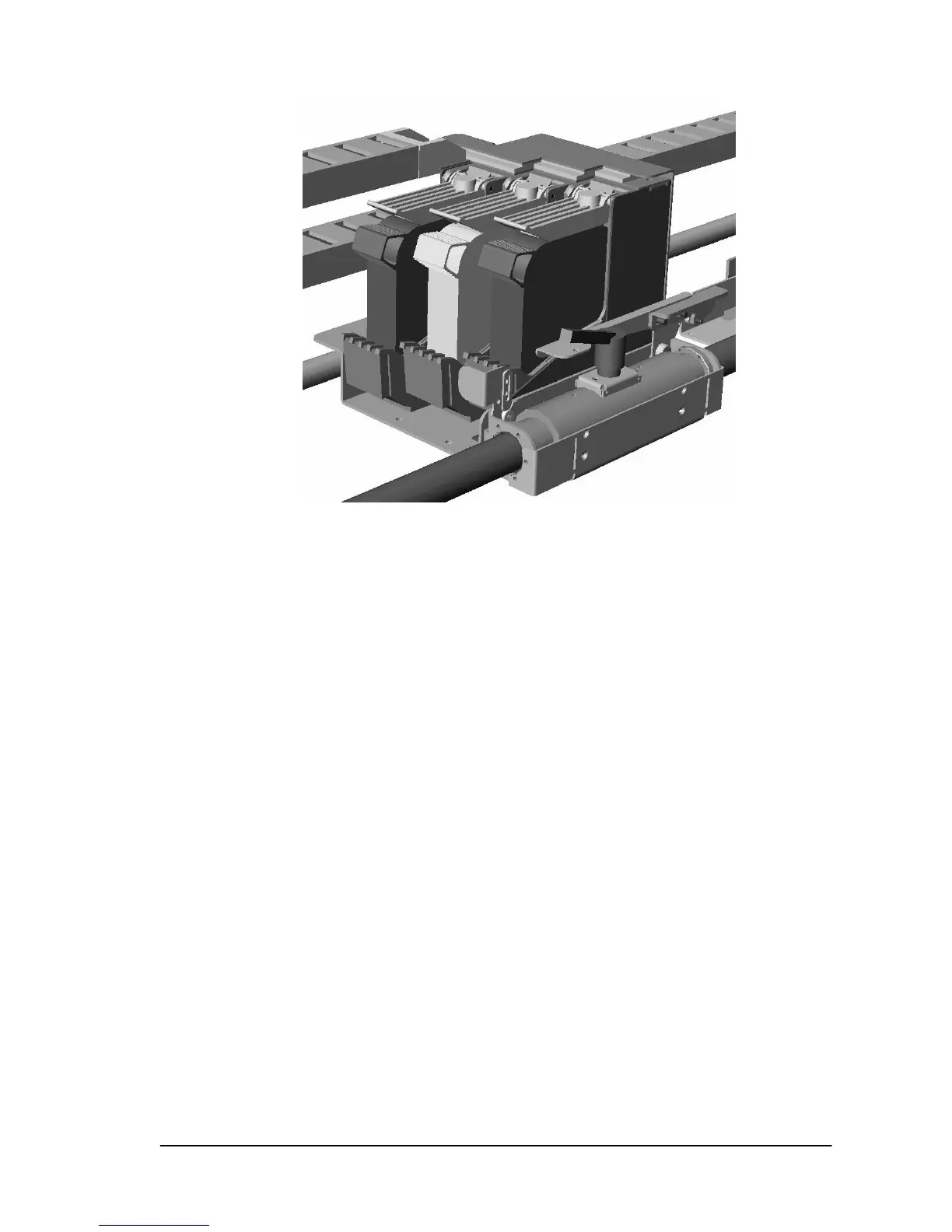
Correctly inserted cartridges
• Repeat this procedure until all cartridges are inserted into
both print units (all six pen stalls)
.
Tip: You will find it is easier to install the cartridges in the
following order: C3, C2, C1 (right to left).
You will find it easier to grasp and remove the cartridges in
reverse order (left to right).
• Additional cartridge details can be found in Section 5.12.



 To Next Page