RENA XPS-80/90
User Guide
2-2
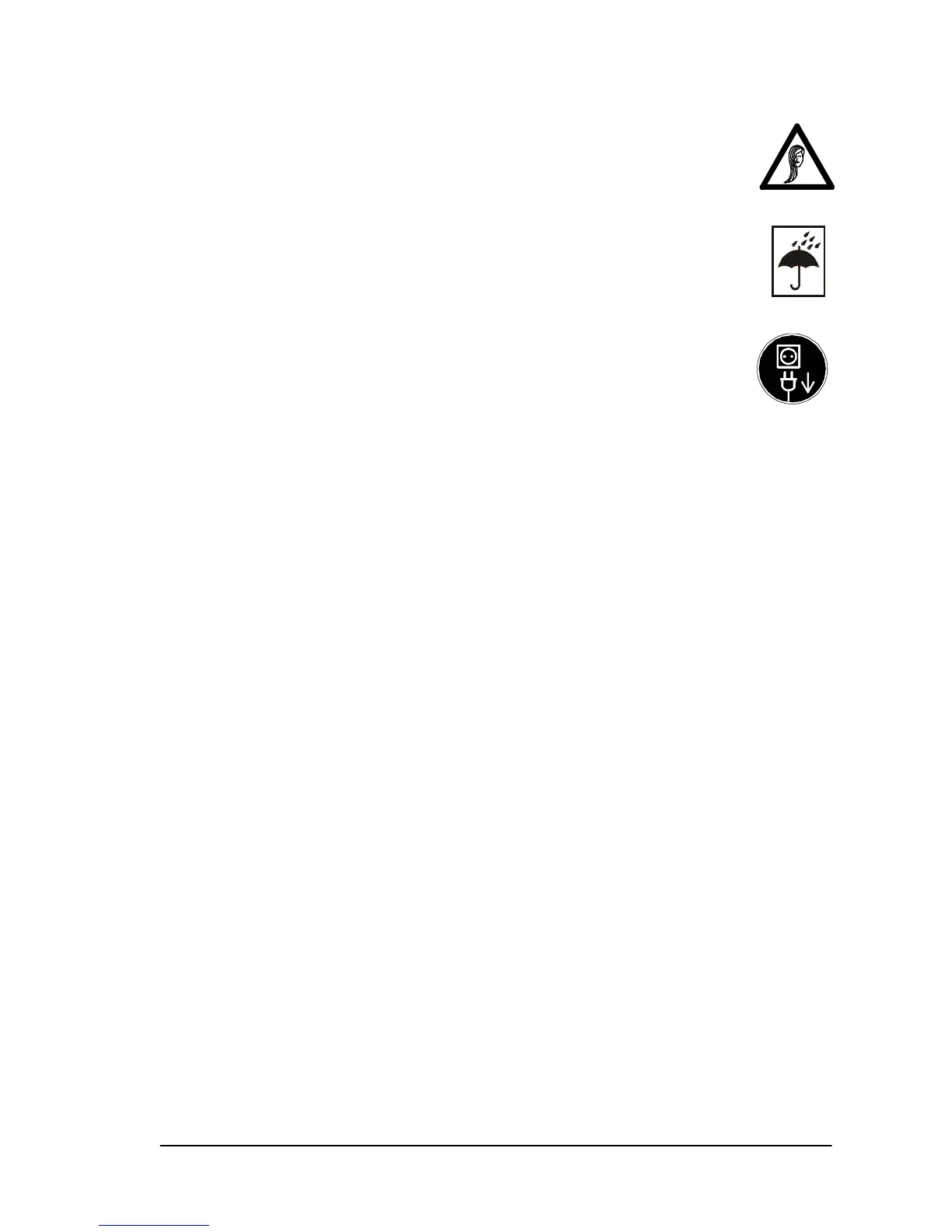
• Never touch the print units while the printer is run-
ning! There is a danger of bruising and crushing in-
jury. Also be sure to keep long hair or any items of
clothing away from the printer while it is running.
• Protect the printer from moisture.
• Always unplug the printer before cleaning it.
• Do not use any cleaning agents. Use a damp cloth.
• You must unplug the printer and have it checked by
an authorized service technician in the following cir-
cumstances:
• If the power cable or power plug has worn or been
damaged.
• If water or another liquid has penetrated the printer.
• If the printer does not operate properly even after the
operating instructions have been followed.
• If one of the printer parts or its housing is damaged.
• If the printer shows marked discrepancies from nor-
mal operation.
• Do not dismantle the printer beyond the level described in this
manual. Unauthorized persons must not open the housing.
Only authorized service personnel may carry out repairs.
• Prohibition of conversions: all conversions or modifications
carried out by unauthorized persons are prohibited for rea-
sons of safety.
2.2 Handling the print cartridges
• Keep all print cartridges out of the reach of children.
• Under normal circumstances, ink cannot run out of a car-
tridge. Wash off any ink spray, which gets onto the skin im-
mediately under running water. If any ink gets into your eyes,
rinse it out immediately with plenty of water and subsequently
consult a doctor.
• Print cartridges must not be shaken, as ink may run out.
• Install each print cartridge immediately after removing the
protective tab. Be sure not to exceed the expiry date.



 To Next Page