RENA XPS-80/90
User Guide
5-6
5.3 The control panel
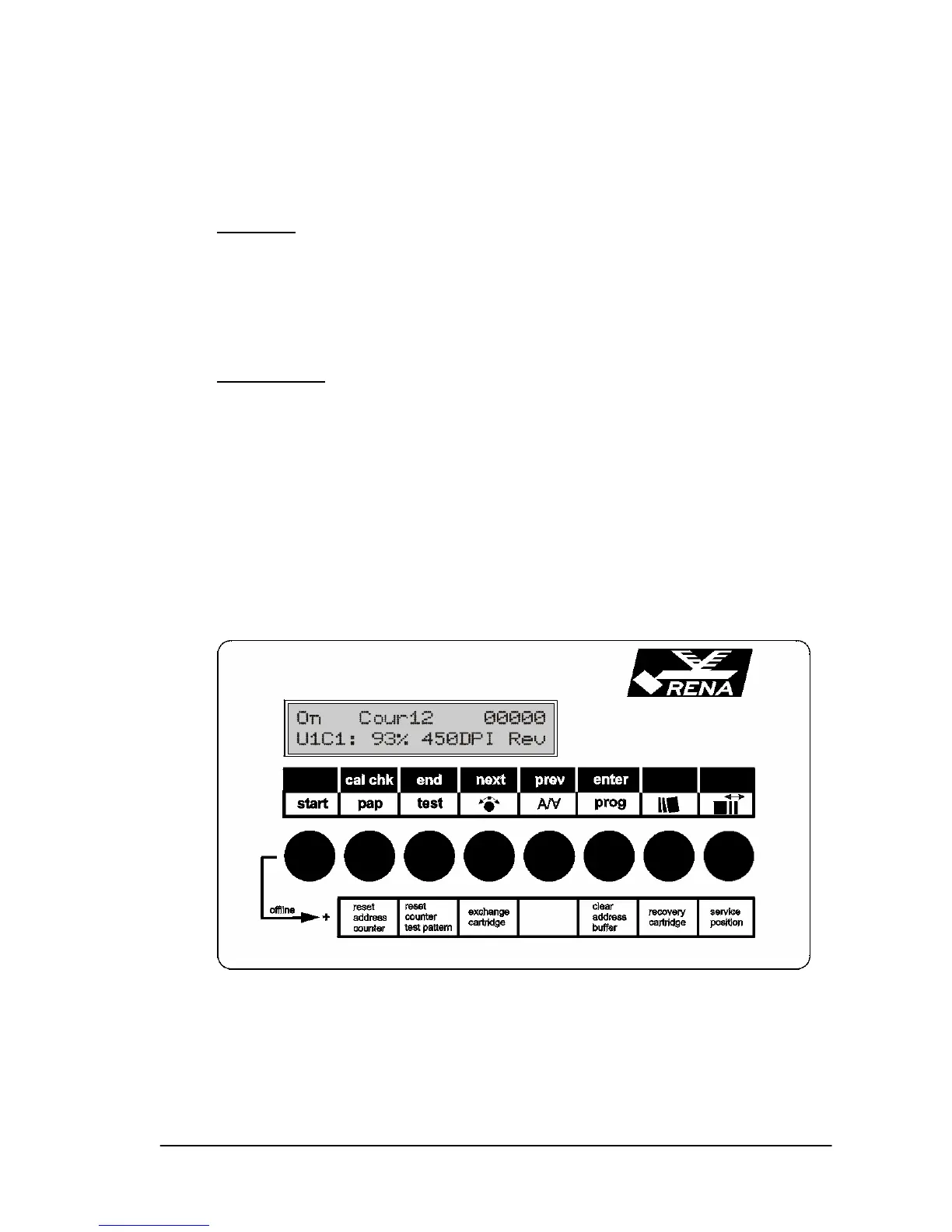
A two-line display window is integrated into the control panel.
First line
:
• The operating mode, e.g. On for on-line mode
• The selected font
• The counter status of the printed data sets
Second line
:
• The amount of ink still remaining in the cartridge with the low-
est ink level.
E.g. “U1C1: 93%“ means that cartridge 1 (C1) in print unit 1
(U1) is 93% full. All the other cartridges contain more ink.
• Resolution. In this case 450 DPI
Coded resolution: 450 DPI means 300x600 DPI (WxH)
• Print orientation: Nor = normal, Rev = rotated by 180°



 To Next Page