RENA XPS-80/90
User Guide
2-1
2. Safety
The XPS-80/90 has been constructed in line with state-of-the-art
technology and is safe to operate. However, hazards cannot be
excluded if persons unfamiliar with its use operate it. The same
applies if it is used in an inappropriate way or in a manner not in
accordance with its intended purpose.
If you ignore the information given in this manual, the follow-
ing hazards cannot be excluded:
• Electric shock,
• Injury by the rotating items,
• Damage to the printer.
2.1 General notes on safety
• The XPS-80/90 may only be connected to a voltage source of
100-120VAC/60Hz or 220-240VAC/50Hz. It is vital to check
the information on the type-plate before connecting it, to ver-
ify that the correct fuses (type and rating) are installed for
your voltage source.
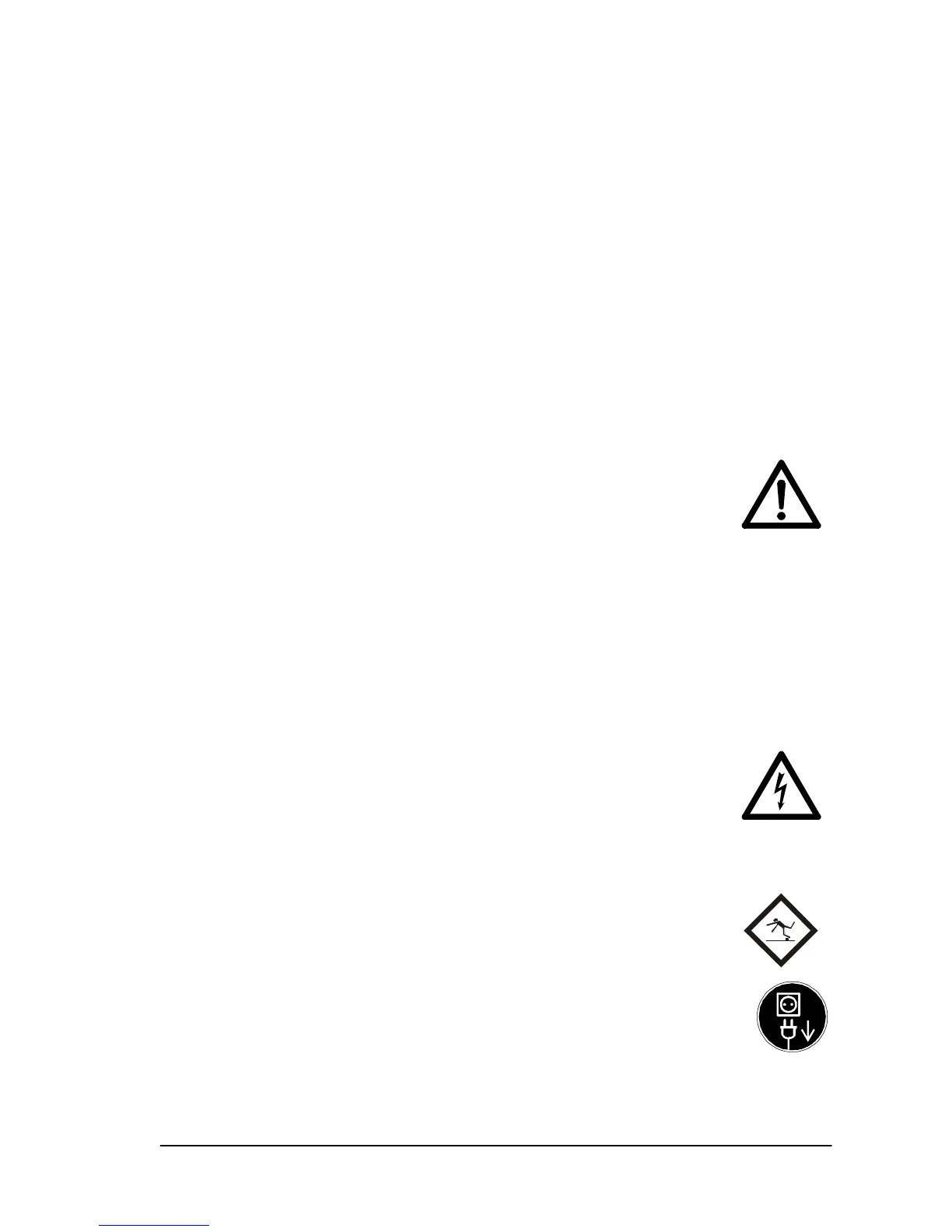
• The power plug must be connected to a grounded socket!
Make sure that the grounding has not been rendered ineffec-
tive by the use of an extension cable with no ground conduc-
tor. Any break in the ground conductor inside or
outside the printer is dangerous and must be cor-
rected.
• Both AC terminals of the printer are fused! Even if a fuse
blows, electrical parts in the printer may continue to be live.
• Run the power lines so that no one can trip over
them. Make sure that no objects are placed onto
the power cables.
• Unplug the printer from the wall outlet (voltage
source) if it is not being used for a longer period of
time. This avoids any damage in the event of volt-
age surges.



 To Next Page