RENA XPS-80/90
User Guide
5-48
5.11 Address counter
Every print-out is counted when the media traverses the printer.
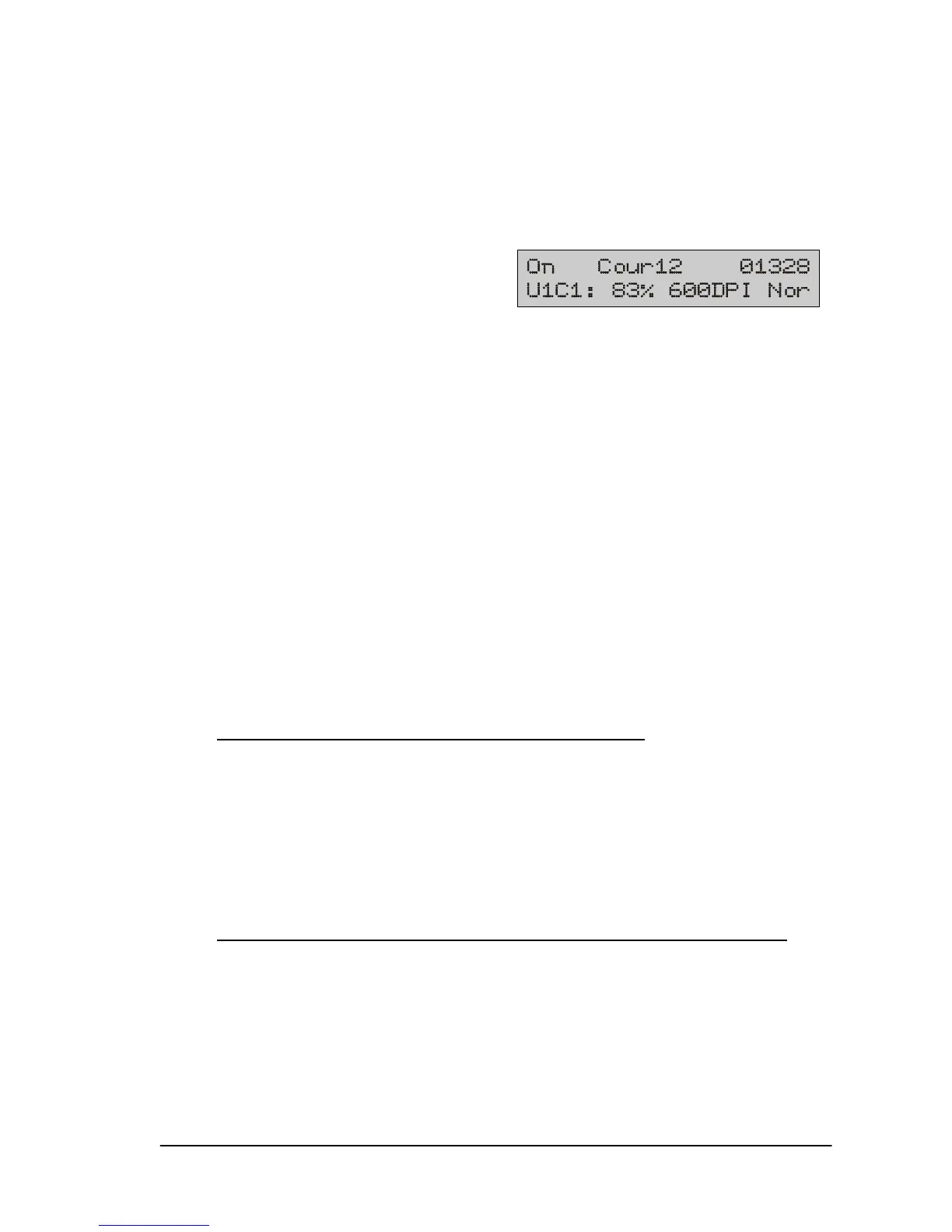
The number appears in the upper right field of the display.
The printer can count addresses in two different – mutually inde-
pendent – ways.
Counting test addresses
Counting takes place as soon as a test print is performed. The
number increases with every additional test print and is displayed
until the printer is switched off.
If you change over to on-line mode with the start key in the
meantime, the number disappears from the display but remains
saved.
Counting printed addresses
The printed addresses are counted and displayed in on-line
mode. The counted total increases with every additional printed
address and is retained until the printer is switched off.
Resetting the counter status on the XPS-80/90
:
The counter status can also be reset without switching the XPS-
80/90 off:
• Press the start and test keys simultaneously, in off-line mode,
to reset the number of test addresses.
• Press the start and pap keys simultaneously, in off-line mode,
to reset the number of printed addresses.
Resetting the address counter status via the FlexMail program
:
• While in the “Designer” view, open the “Tools” menu and select
“Printer Service”
• You can set or reset the printed address counter with the op-
tion: “Set address counter“



 To Next Page