RENA XPS-80/90
User Guide
5-47
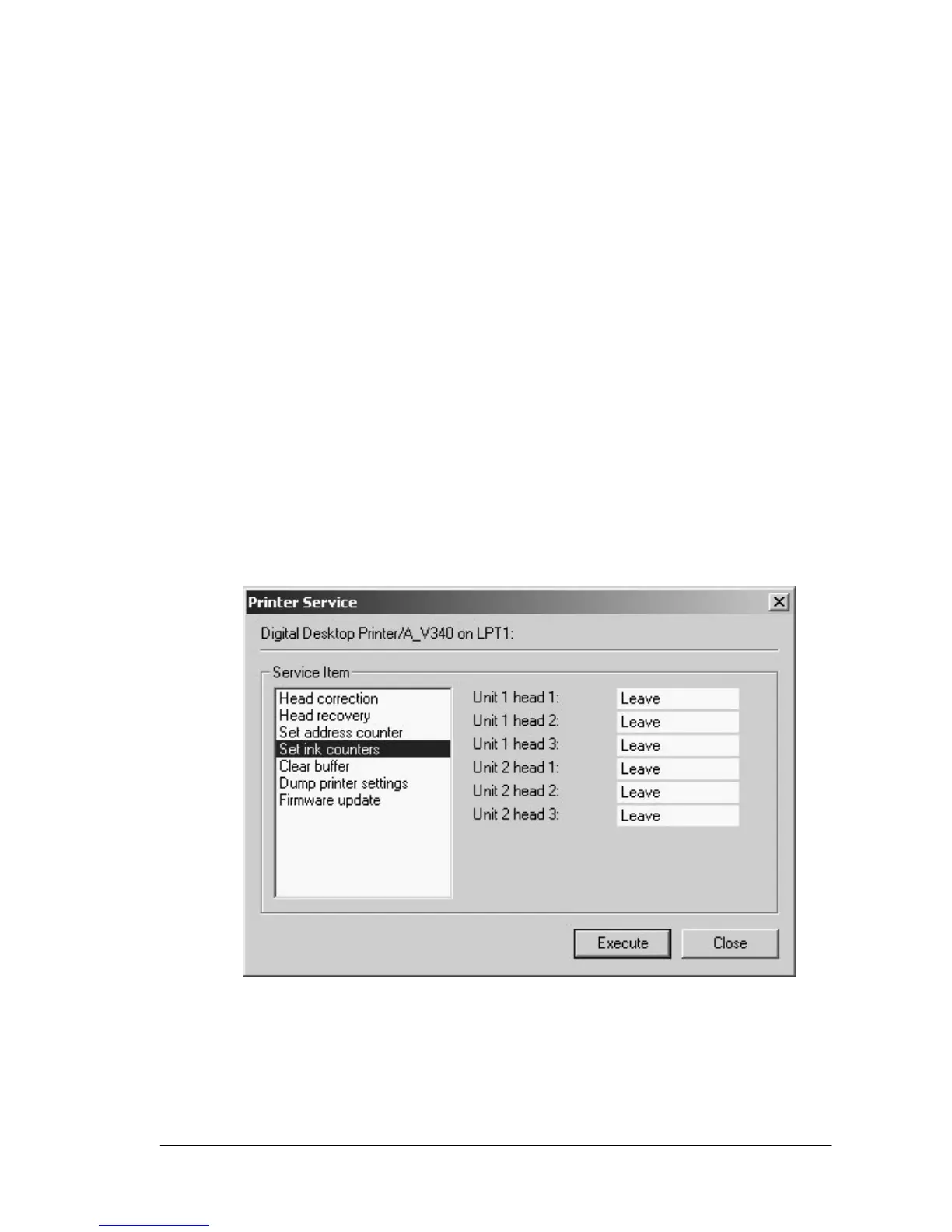
Printer service
• Open the “Tools” menu and select “Printer Service“.
The dialog fields in “Printer Service” offer you a convenient way to
calibrate and clean the ink cartridges (heads), set/reset address
counter and ink counter values and load an update of the firm-
ware.
Head correction
Allows the user to calibrate the horizontal alignment between ink
cartridges, for each print unit. A more precise calibration can be
performed via the menu settings in the XPS-80/90’s programming
mode. See Section 5.7.
Setting the ink counter
The ink status can be set or reset individually for each cartridge.



 To Next Page