RENA XPS-80/90
User Guide
6-5
6.3 Description of the main menu
Note: The right-hand display (option field) in the illustration may
differ from the current settings on your XPS-80/90!
The underlined settings are default values.
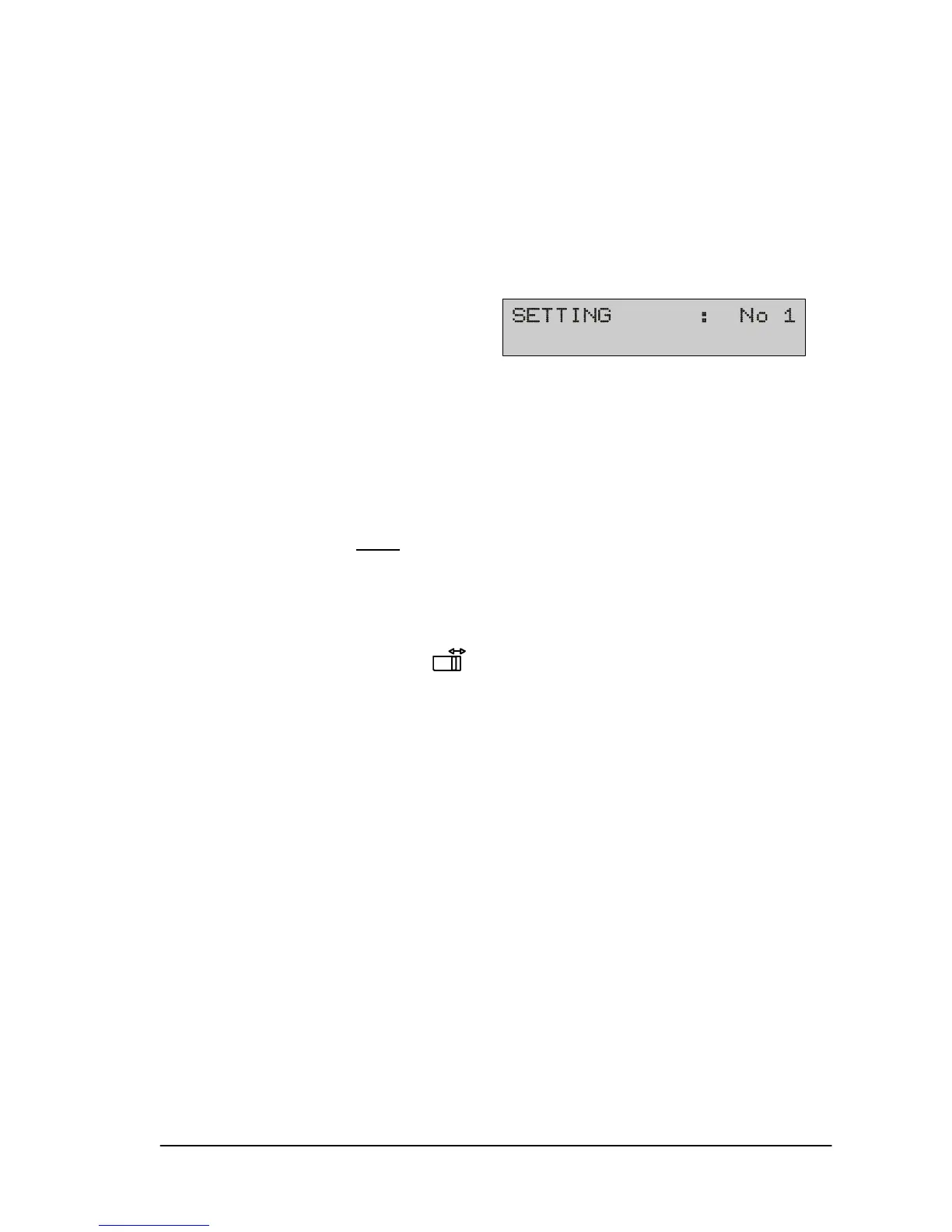
1) Setting
Setting a configuration (job setting)
A separate configuration may be set for different applications (pri-
nt jobs) as required.
Configuration No 0 is reserved for default settings. No changes
may be made in this configuration.
Configurations No 1
to No 9 may be individually set.
When programming mode is terminated, the changes made are
automatically stored under the selected setting numbers.
The settings made may be locked to printer instructions. This is
done by pressing the
key, whereupon SETTING LOCKED
appears. You may use the same to key to choose between yes
and no.
Local Locking:
Individual parameters may also be “local locked”. A locked pa-
rameter may be recognized by the letter “L“ under the menu field.
(When parameters are locked, inconsistencies may result with
software applications. Example: when the left margin is locked but
the software application performs absolute horizontal positioning.
Other conflicts may also occur.)
The set configurations are retained when the printer is switched
off.
If a “non-mechanical reset” (prog key is held down when switch-
ing on) is done, all configurations, except for your alignment set-
tings, are set back to their default values.



 To Next Page