RENA XPS-80/90
User Guide
5-7
Overview of key functions
A brief overview of the keys will be given here. Their exact func-
tions will be described further on.
The printer is always in one of three possible modes:
On-line mode:
Printer is made ready to receive and print data.
While on-line, all keys except for the start key are disabled.
Off-line mode:
The lettering in the fields with a white background applies.
Programming mode:
The lettering in the fields with a gray background as well as the
key on the far right (last key shown below) apply.
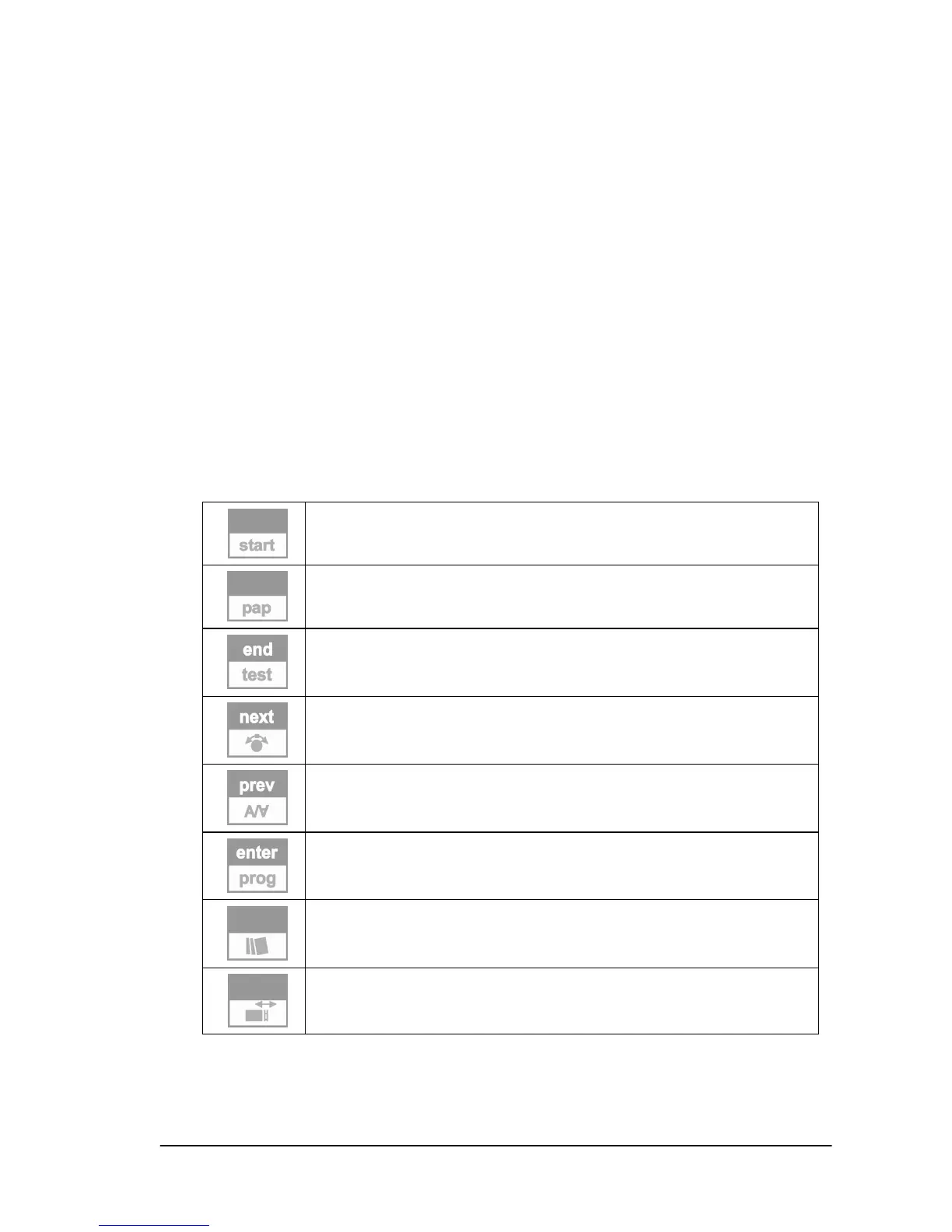
The individual keys have the following functions:
-
Switch the printer ONLINE / OFFLINE
-
Manual start / stop of paper transport
Quit menu / accept changes
Start / stop printing test addresses
Select next menu point / increment value
Measure paper speed
Select previous menu point / decrement value
Print orientation normal or rotated by 180°
Call submenu / accept value
Switch to programming mode
-
Repeat last address(es)
Local locking of menu items
Measure paper width
The Annex, Section 9.1, shows various key combinations, which
permit additional functions to be realized in conjunction with
switching the printer on.



 To Next Page