RENA XPS-80/90
User Guide
5-26
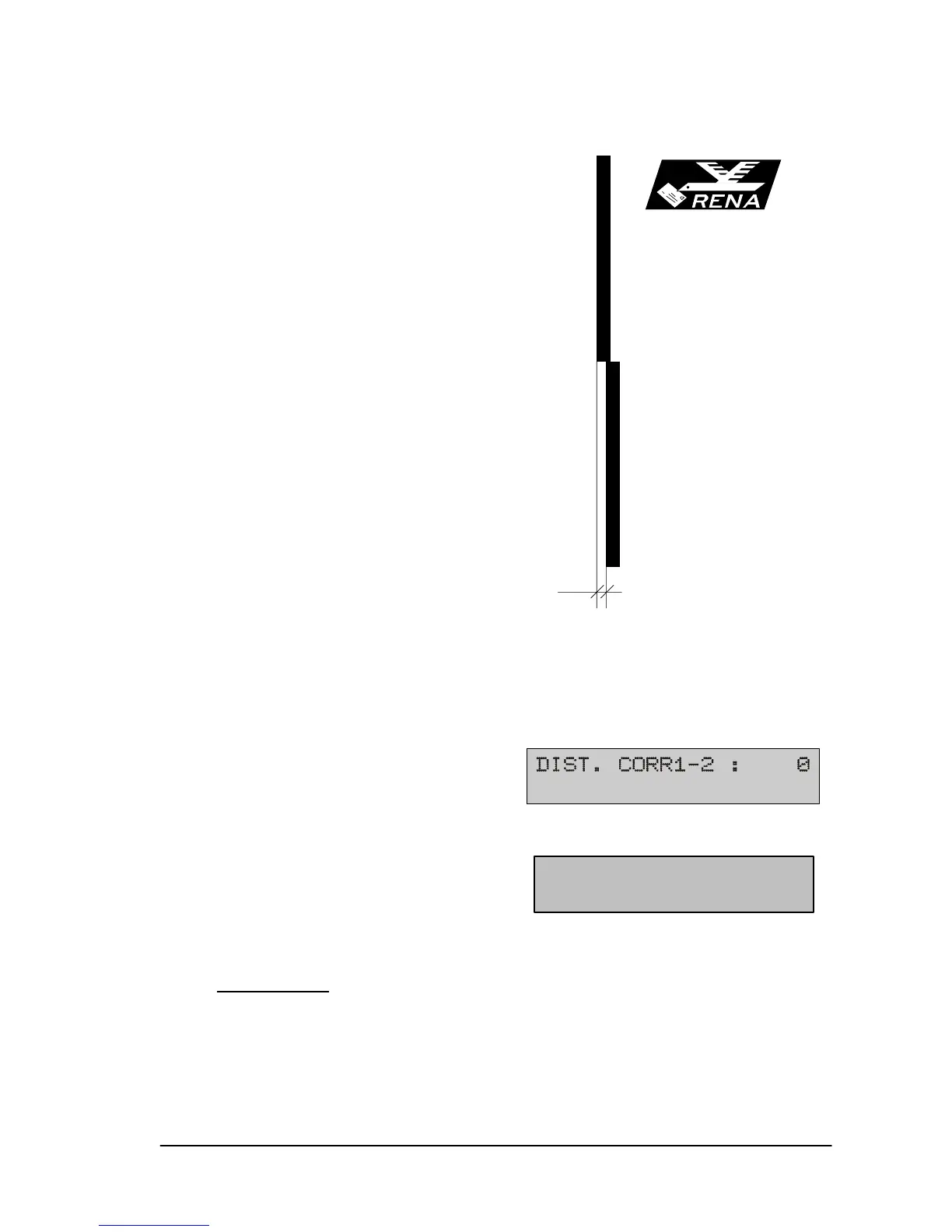
Mutual calibration of the print units (DIST. CORR)
Assuming that the previous cali-
bration has been performed, a mu-
tual misalignment between the
print units can now be compen-
sated.
A calibration must be performed
when the print image shows a
misalignment D.
• Press the start key to go to off-
line mode (if you are on-line).
• Press the prog key.
• Press the next key repeatedly in programming mode until the
following main menu feature appears.
• Press the enter key to select this menu feature.
•
•
• Set the correct value as required with the prev or next key.
Value range
:
+48 to –48, one increment = 0.08mm (= 1/300“)
Positive values shift the print image of a print unit 2 to the left,
negative values to the right.
• Note: While in this mode, the pap key can be pressed to per-
form an alignment test pattern.
Testprint DA6
Rena Informat
GmbH & Co. KG
Bahnhofplatz
82041 Oberhac
Linie10, Uni
Linie11, Uni
Linie12, Uni
Linie13, Uni
Linie14, Uni
Linie15, Uni
Linie16, Uni
Linie17, Uni
Linie18, Uni
D
Test print DDP
Testprint XPS-90/80
“The Envelope Imagin
RENA Systems, Inc.
136 Greentree Rd, St
P.O. Box 1069
Oaks PA 19456-1069
DIST. CORR.1-2: 0
<pap> = Test Pattern


 To Next Page
 Loading...

