RENA XPS-80/90
User Guide
5-53
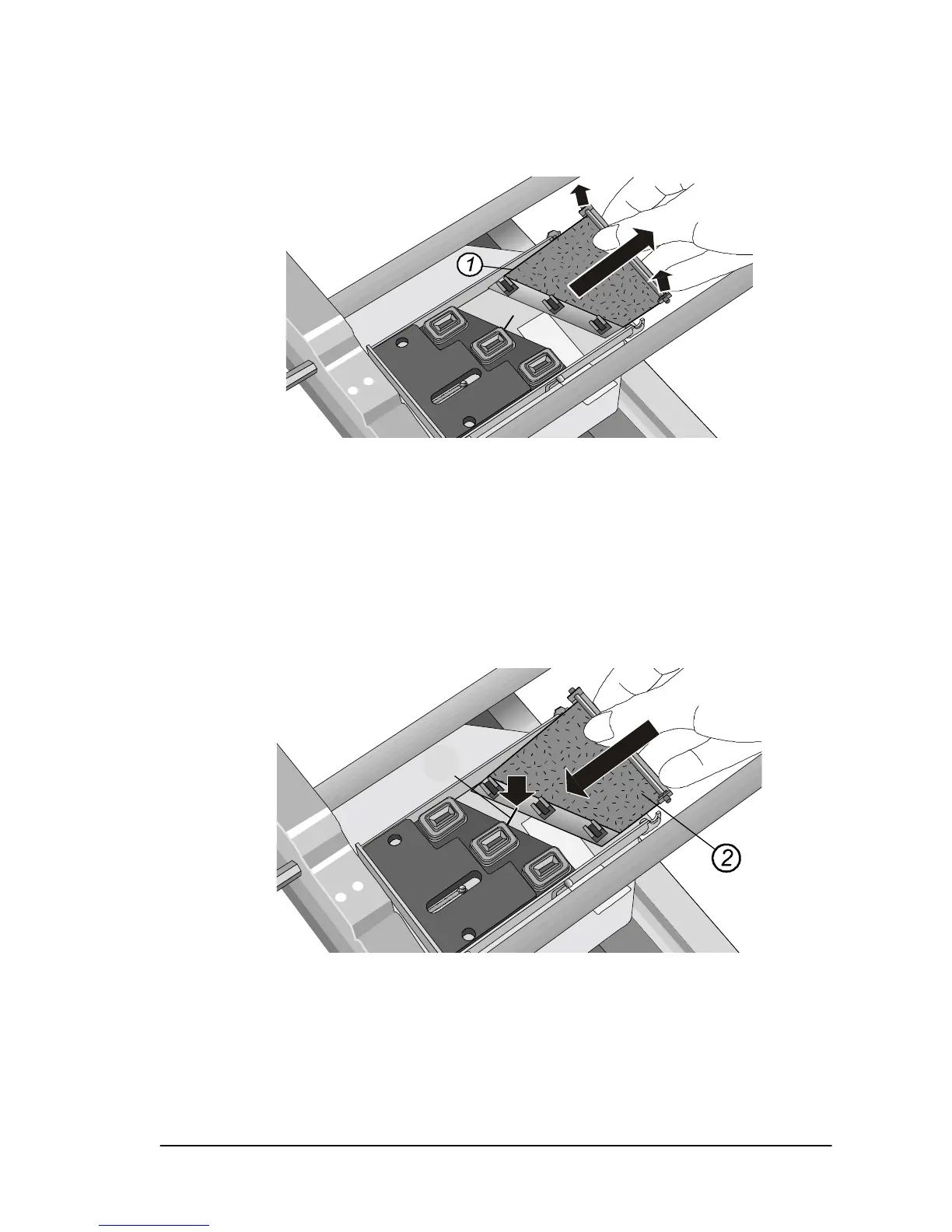
• Lift the carrier plate (1) out of its cradle by its front edge and
remove it. Gently pull it up and out.
• While the carrier plate is removed, use a lint free material
(cloth) and distilled water to clean the rubber wipers, removing
all ink deposits from them.
Carefully scrape the excess ink (mound of ink) from the felt
pad. Do not use any liquids to clean the felt pad.
Note: If the wipers show signs of wear or the felt pad is very
soiled, the carrier plate should be replaced with a new one.
• Insert the carrier plate (2).



 To Next Page