6.6
MULTI-SENSE
Mode configuration
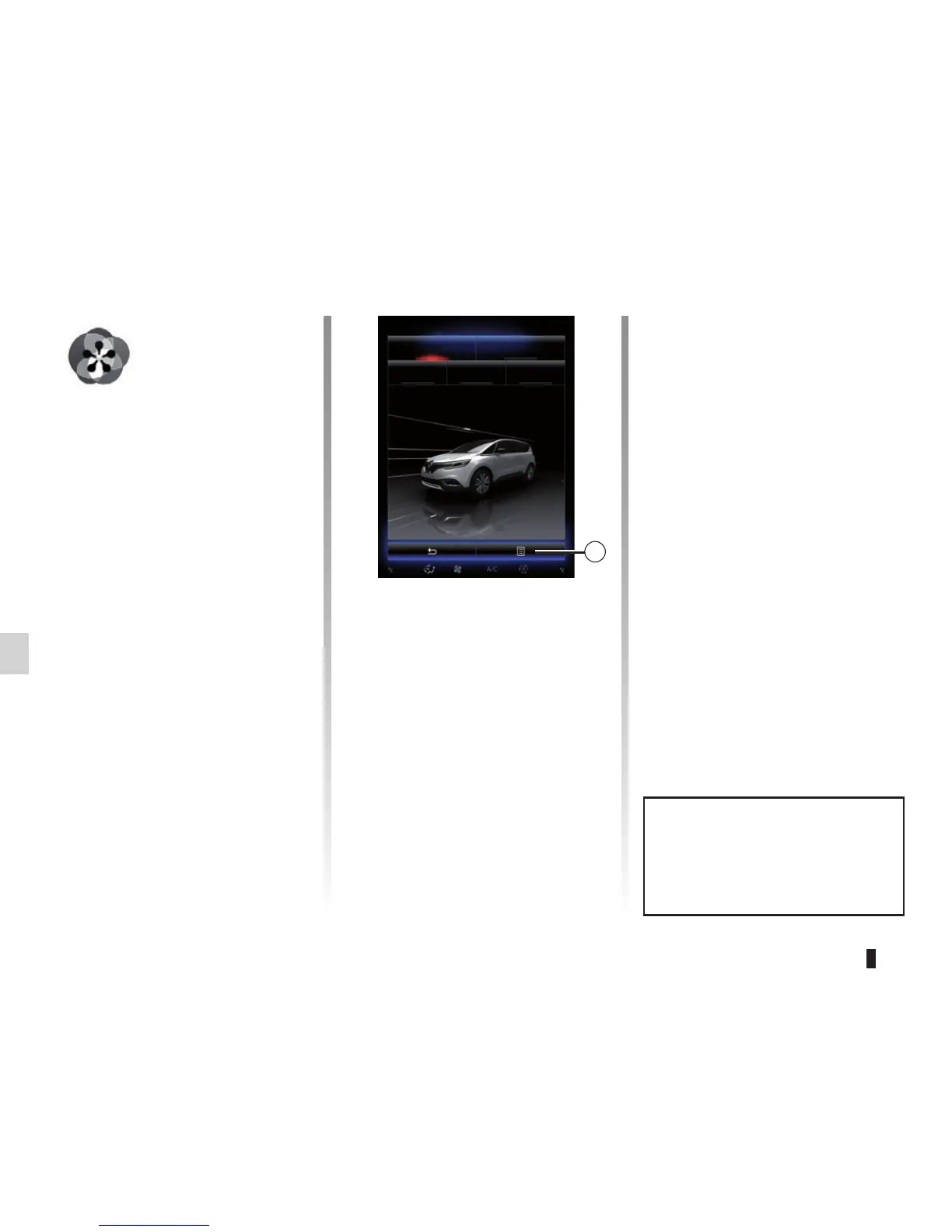
Press 1, then “Current mode configura-
tion”.
You have various parameter values
which enable you to customize vehicle
systems (depending on the vehicle):
– « Steering » ;
– « 4RD » ;
– « Damping » ;
– « Powertrain » ;
– « Thermal comfort » ;
– « Cockpit display » ;
– « R-Sound » ;
– « Ambient light » ;
– Driver’s seat
Note: If some vehicle system options
are greyed out, you cannot select pa-
rameter values.
Reset parameter values
Press 1, then “Reset current mode” to
the default values.
Depending on the mode selected, the
Dual function can be activated and ad-
justed. For further information about
this function, please refer to section 3
of your driver’s handbook.
Multi-Sense
Sport Eco
Neutral Comfort Perso
1
Menu
« Multi-Sense »
(depending on the ve-
hicle)
Depending on the vehicle, you have a
possibility to customize the behaviour
of some vehicle systems.
Accessing the Multi-Sense menu
From the home screen, press Menu,
Vehicle then Multi-Sense to access
the Multi-Sense menu. You can also
access by pressing Multi-Sense on the
central control.
Selecting mode
From the “Multi-Sense” menu, select
the desired mode among five modes:
– « Sport » ;
– « Eco » ;
– « Neutral » ;
– « Comfort » ;
– « Perso ».
To find out more about each of these
modes, please see your driver’s hand-
book.
A video is available to view a dem-
onstration of Multi-Sense mode.
With the vehicle at a standstill,
press 1, then About.



 To Next Page